
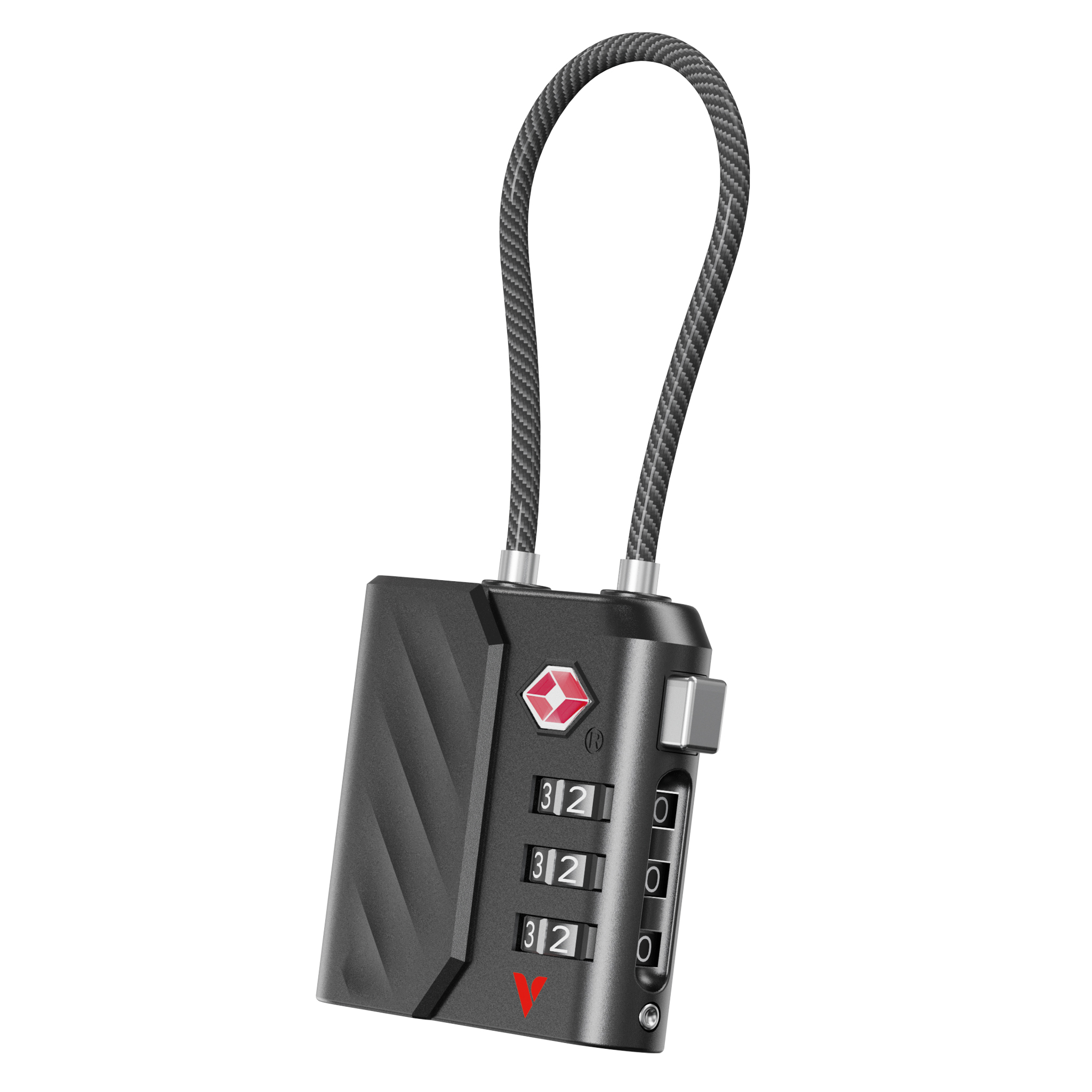
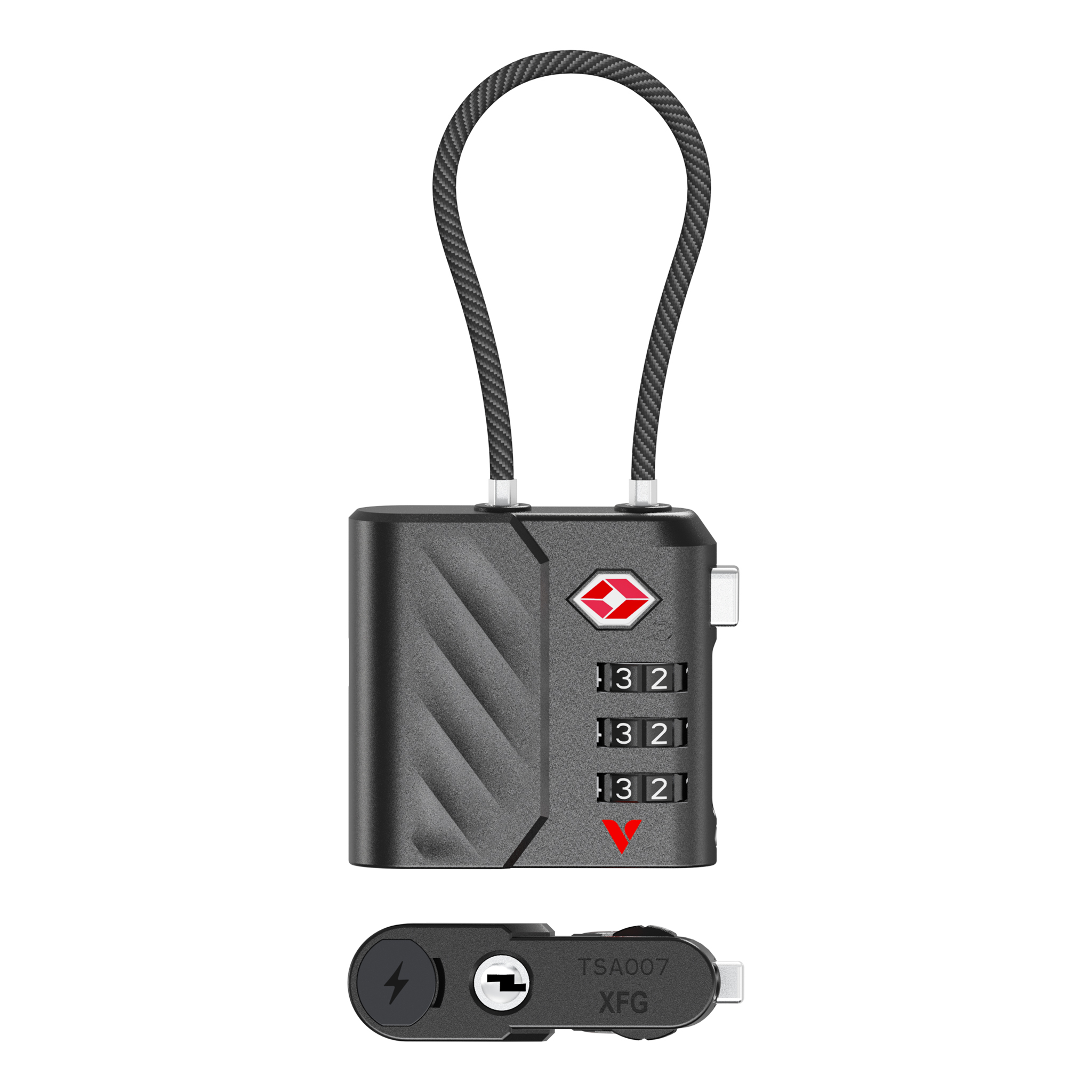
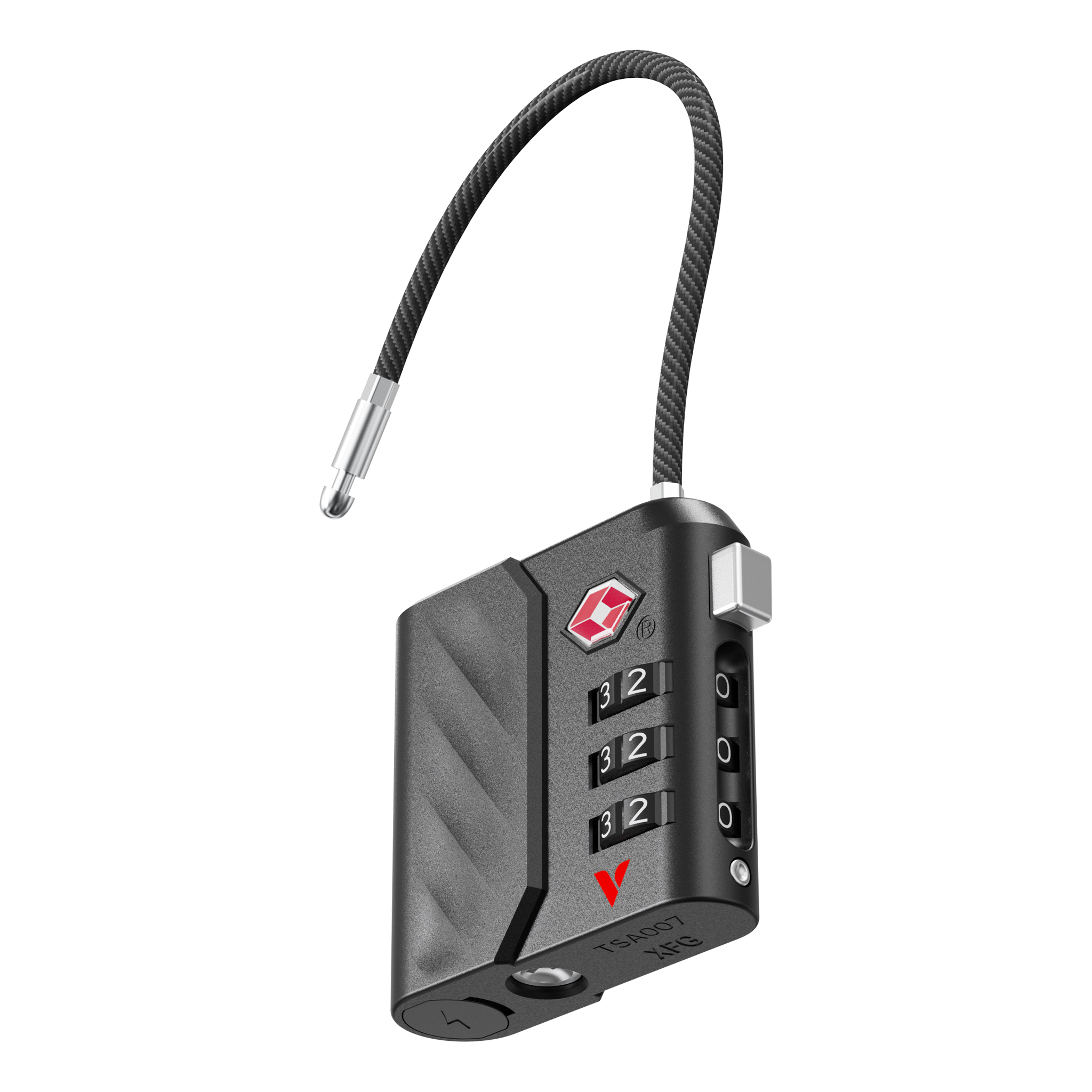
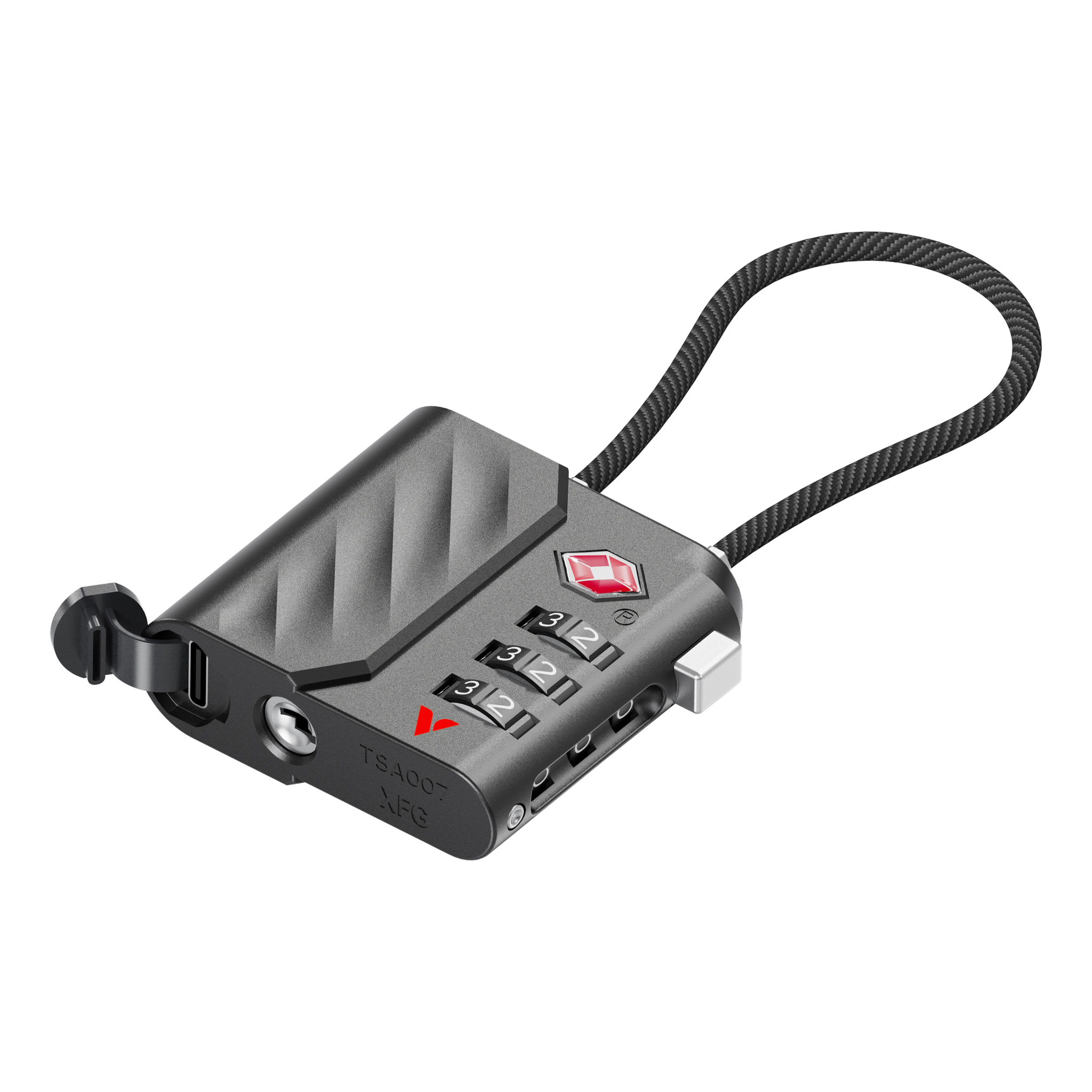
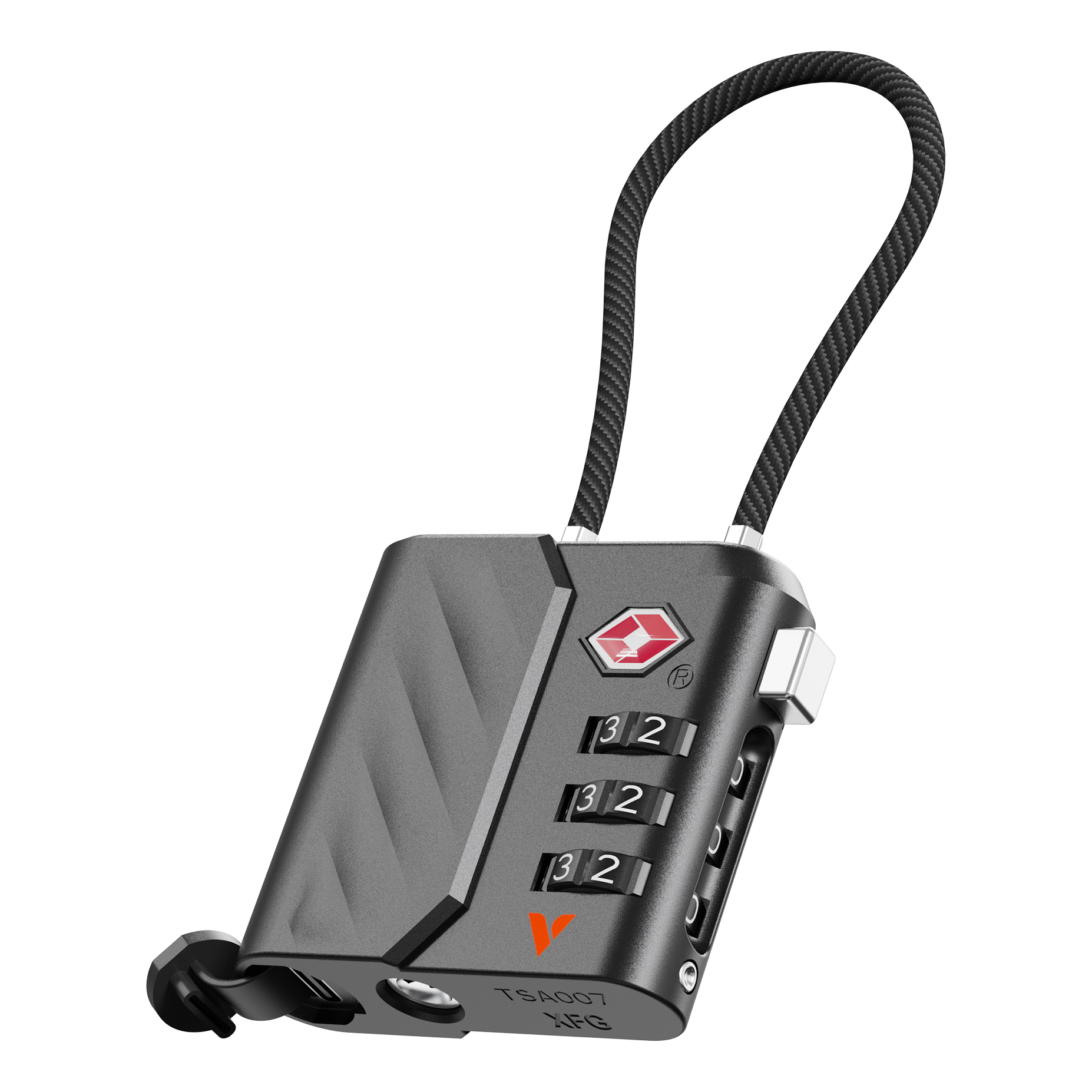
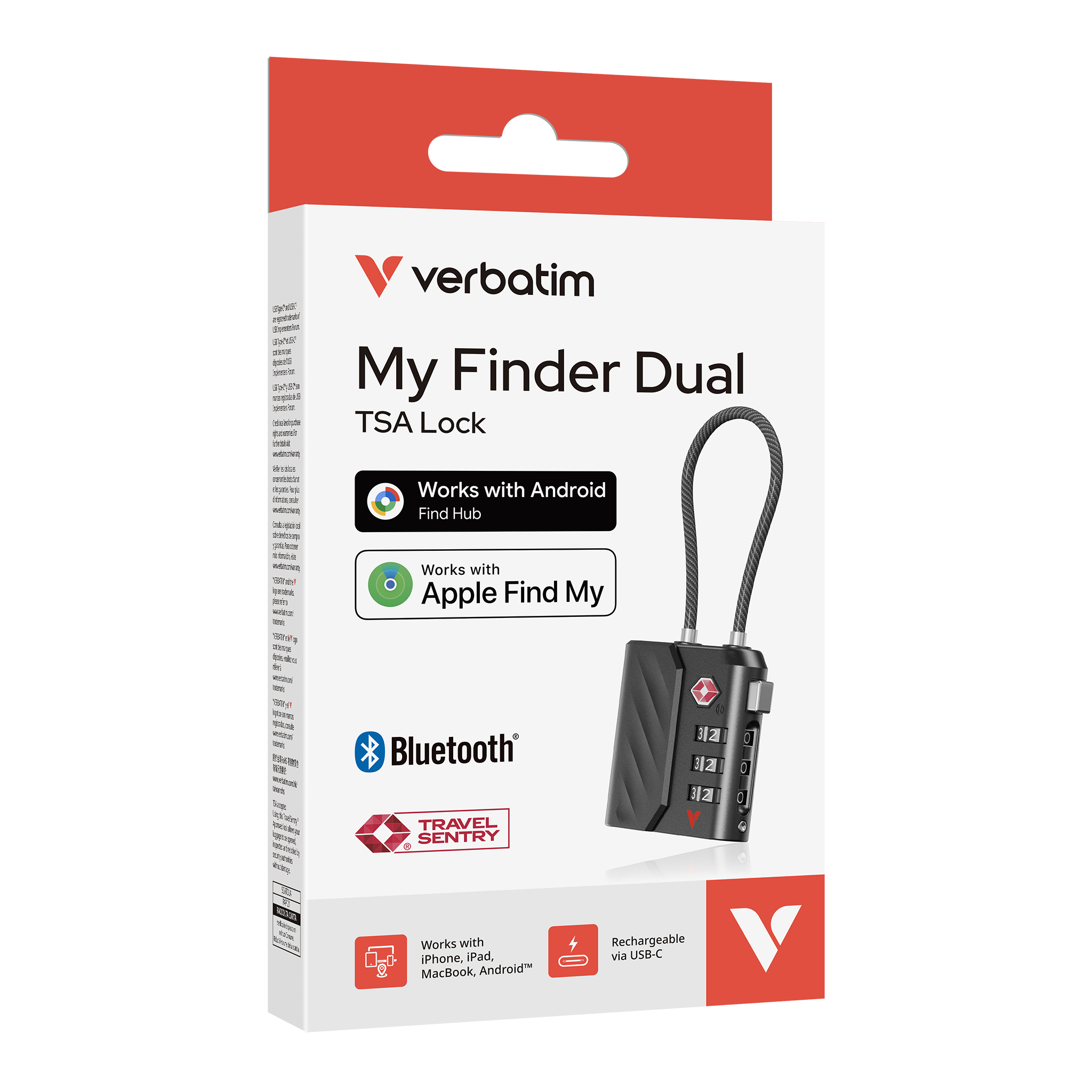
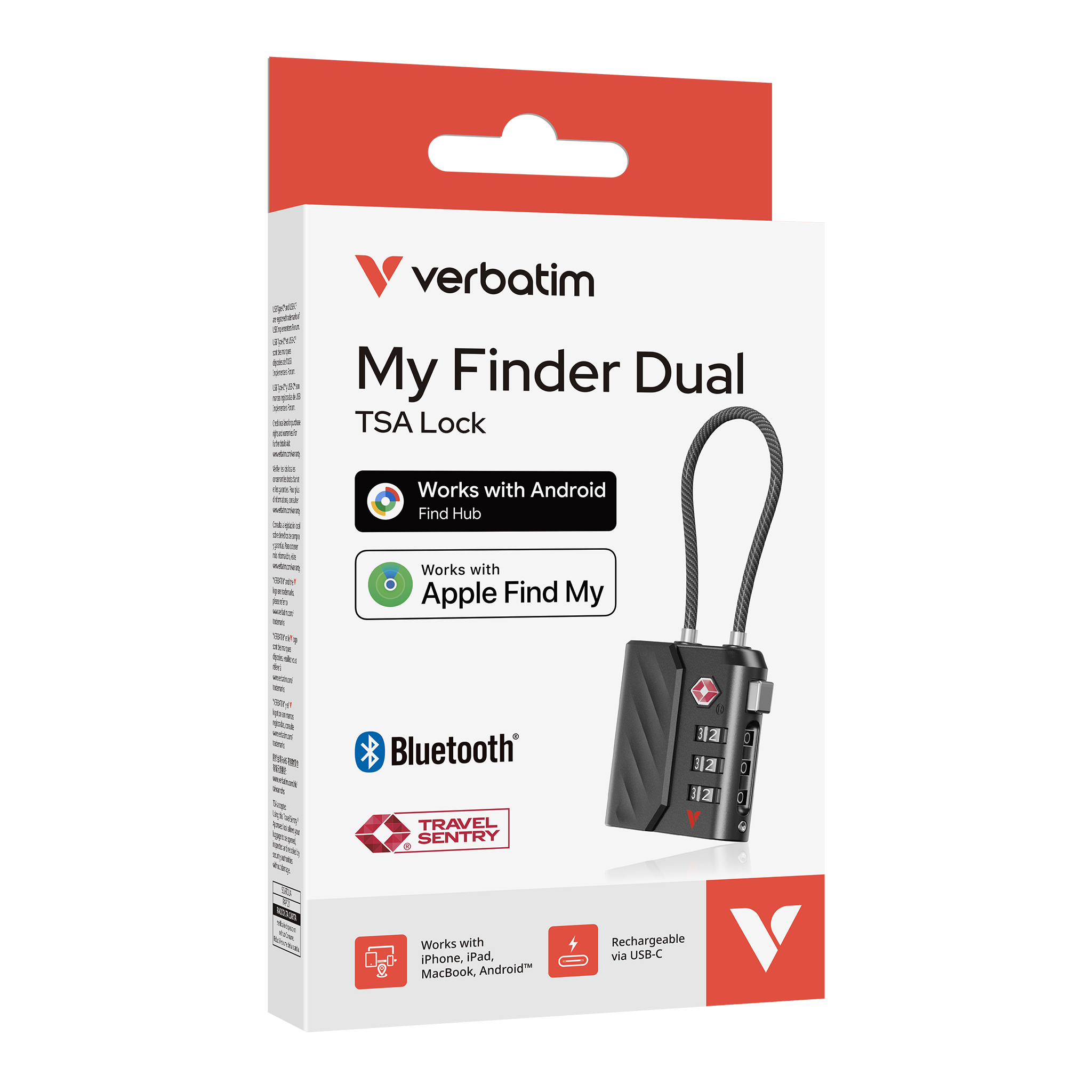
My Finder Dual (TSA Lock)
Product Details
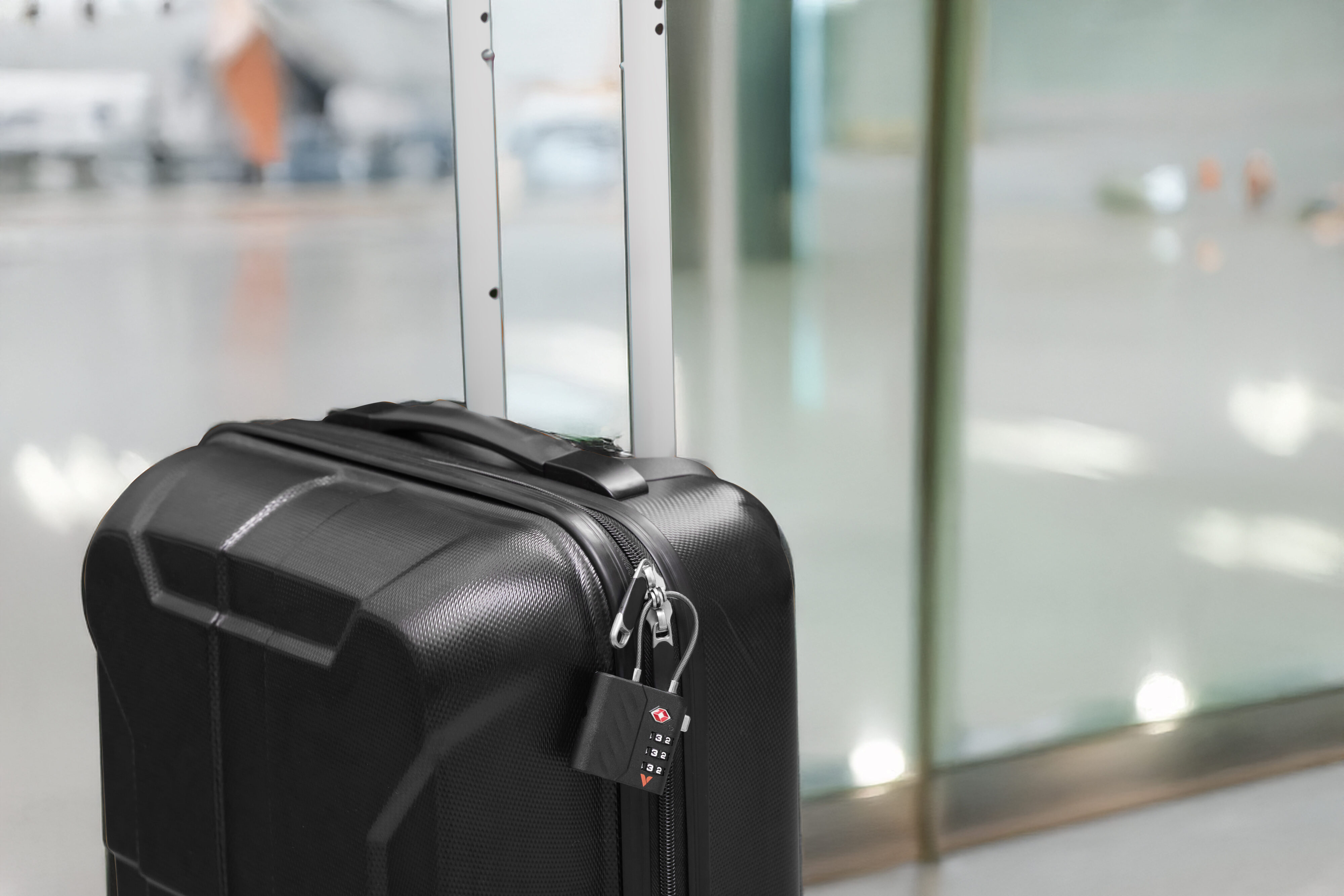
- Works with Apple Find My and Android Find Hub
- USB-C charging – Say goodbye to traditional batteries
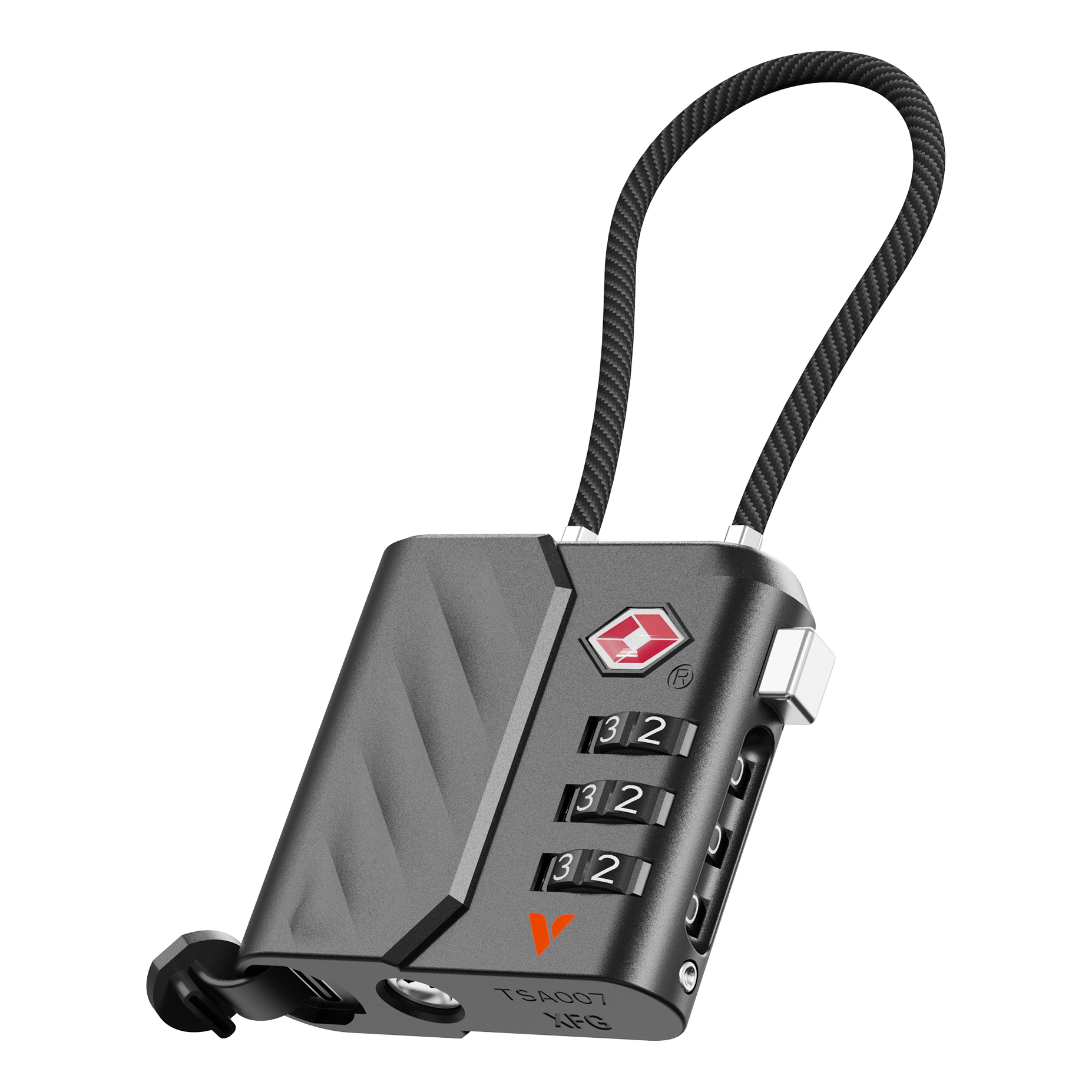
- TSA-Approved lock – Meets international aviation security standards
- Sound alert function – Helps locate items at close range
- Encrypted data transmission – No storage function, enhanced privacy protection
- Smart security integration – Elevates luggage safety and travel experience
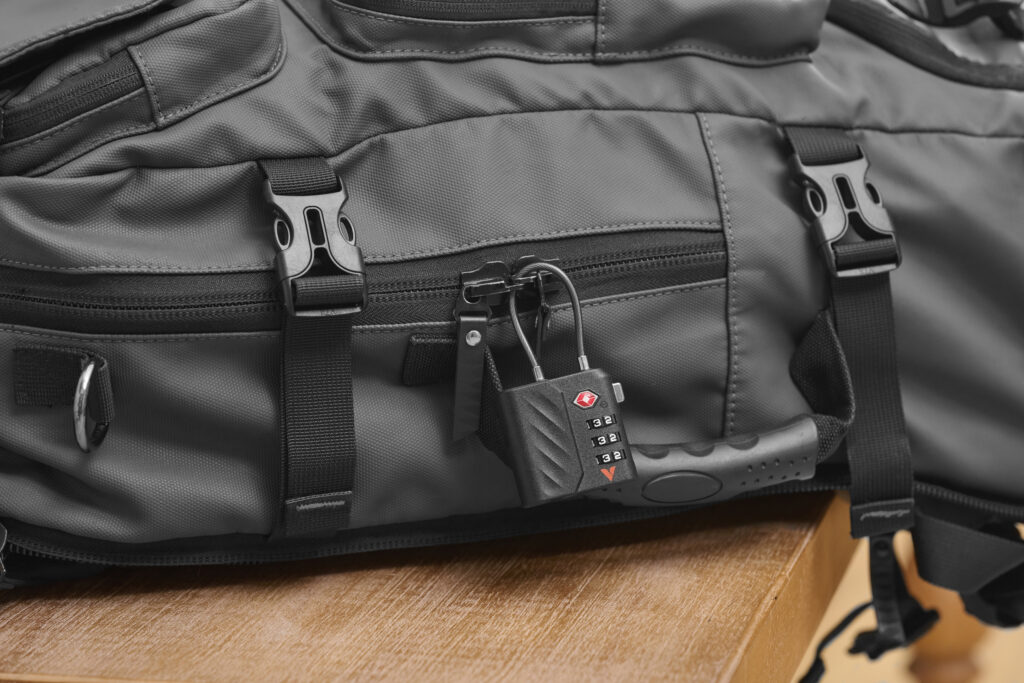
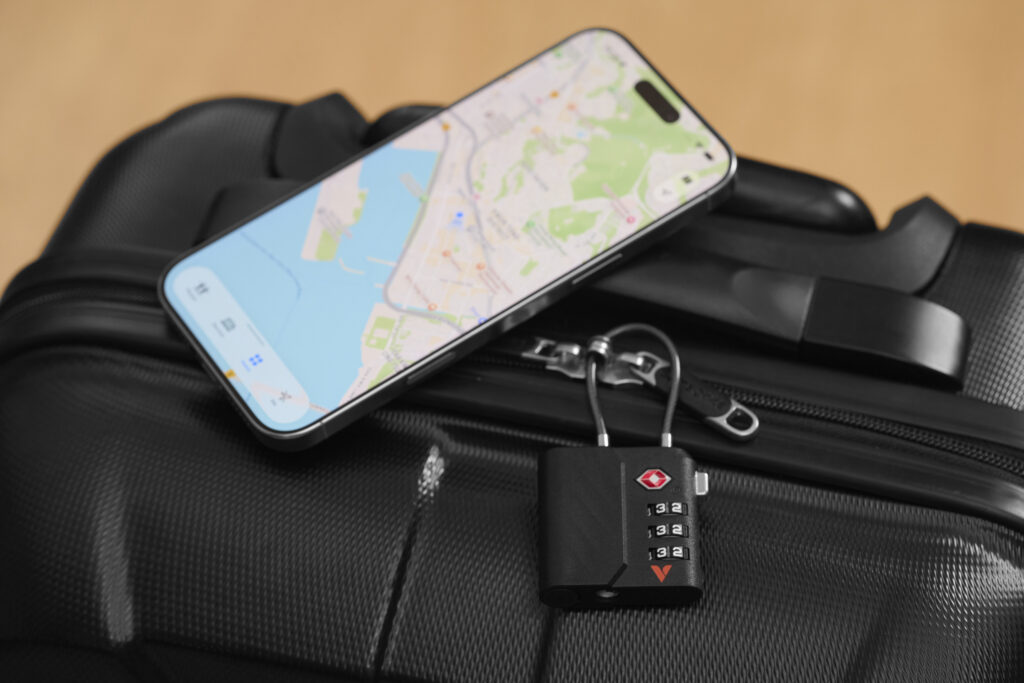
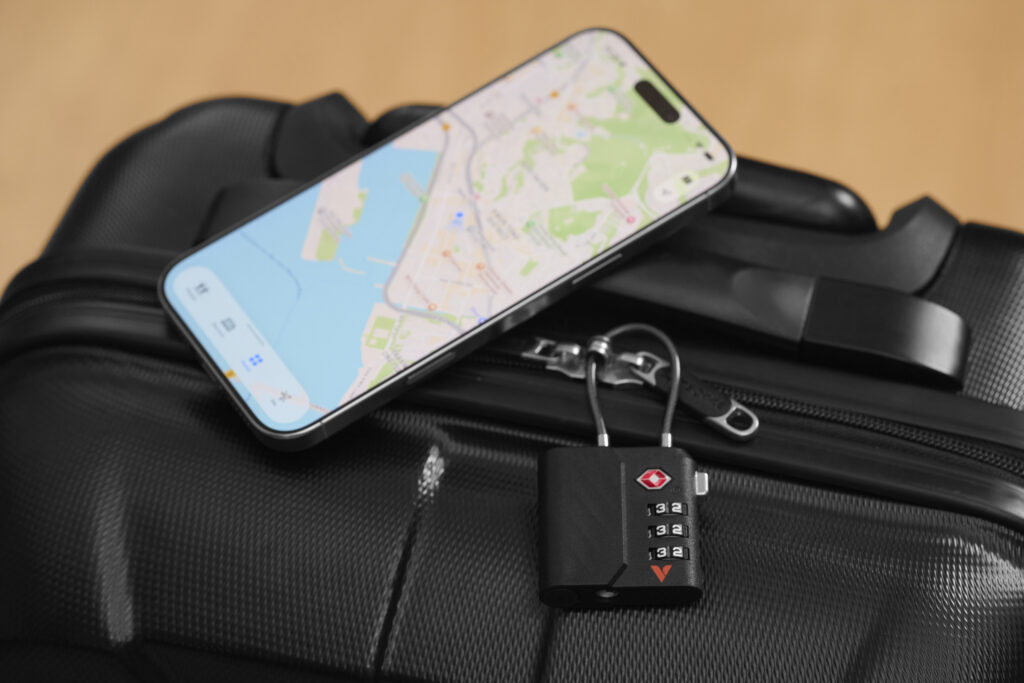
Cross-platform tracking — Always know where your luggage is
My Finder Dual TSA Lock supports both Android Find Hub and Apple Find My App*. Whether you use an iPhone or an Android device, you can track your luggage anytime, anywhere. Business trips and vacations are now worry-free, giving you peace of mind on every journey.
*Please note: My Finder Dual can only be connected to one platform/account at a time. It cannot be paired with both Apple Find My and Google Find Hub simultaneously.
Smart technology for everyday convenience
My Finder Dual eliminates the need for traditional batteries by adopting a USB-C charging port. Charging is faster, more efficient, and aligned with modern lifestyle habits. You can share the same charging cable with your phone or tablet, reducing cable clutter when traveling.
With a built-in buzzer and smart notifications enabled by default, when your ‘My Finder Dual’ goes out of Bluetooth range, you will receive an alert on your phone, and it can also emit a sound alarm at close range. Smart technology seamlessly integrates into your daily routine, making your trips simpler and more efficient.
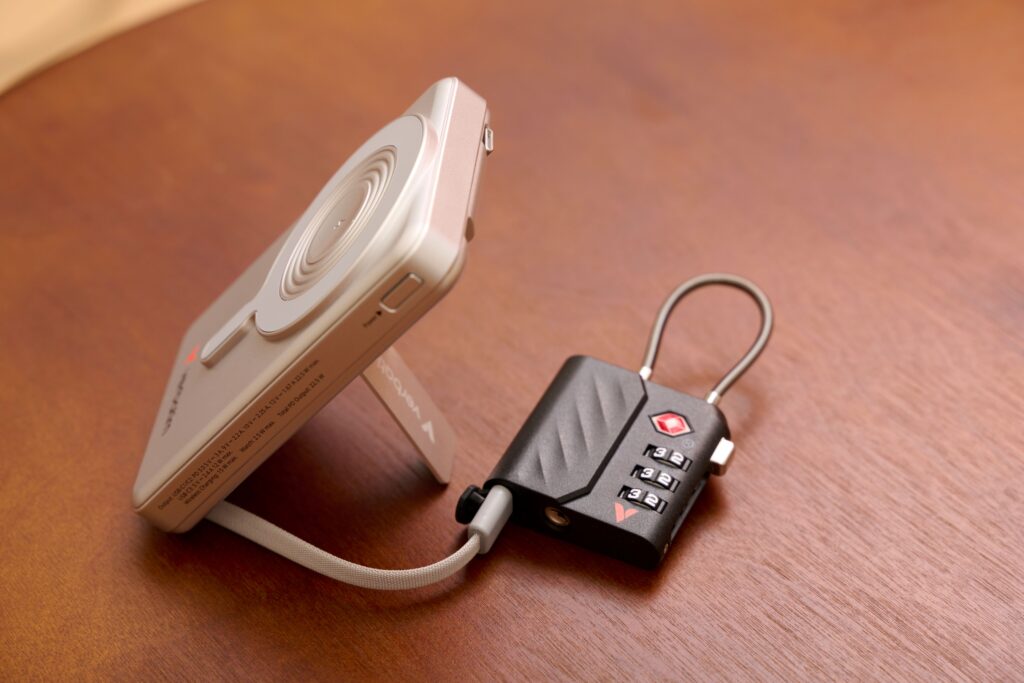
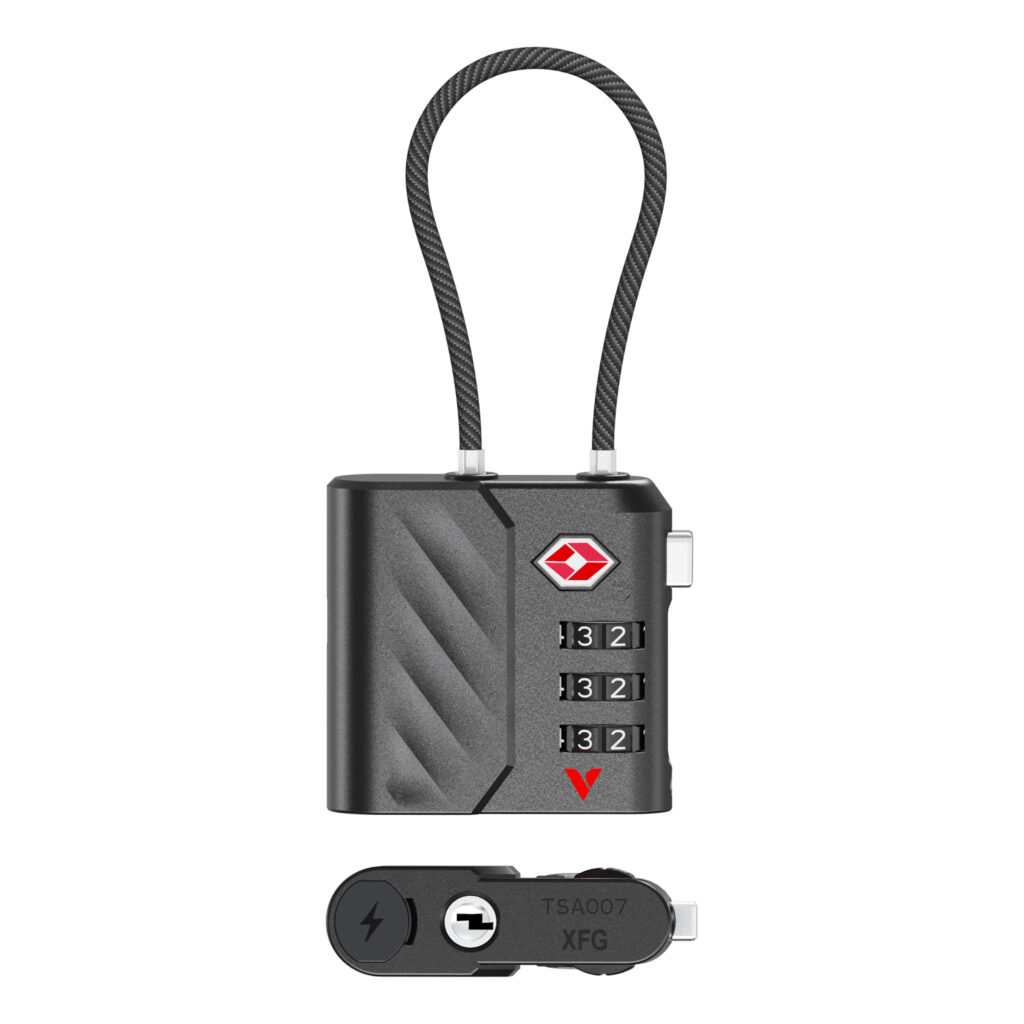
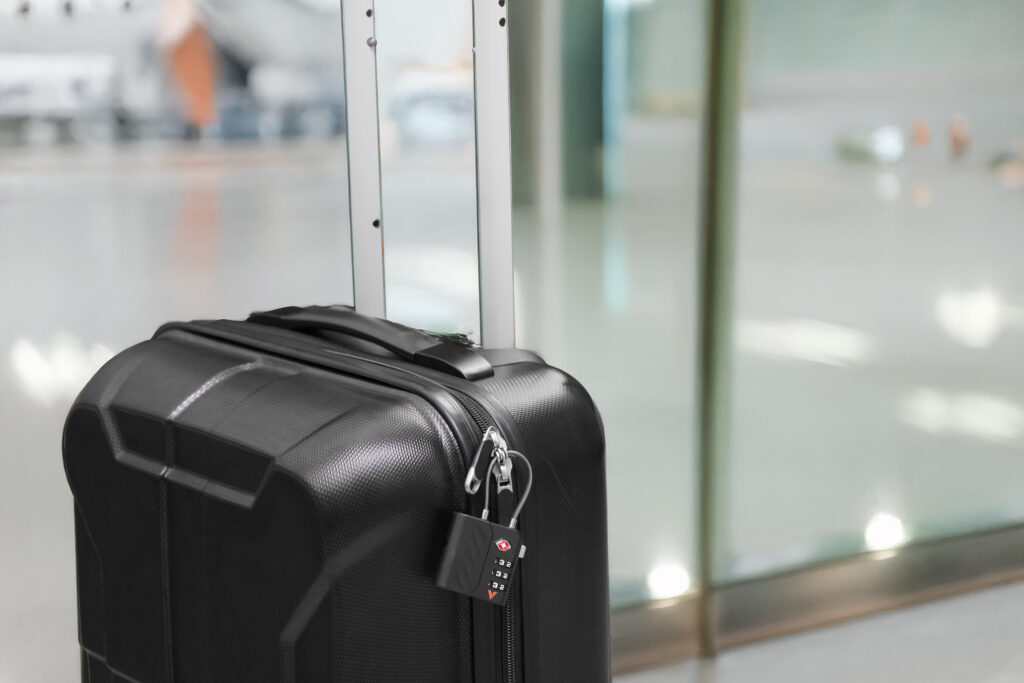
TSA-Approved lock — Smart security meets convenience
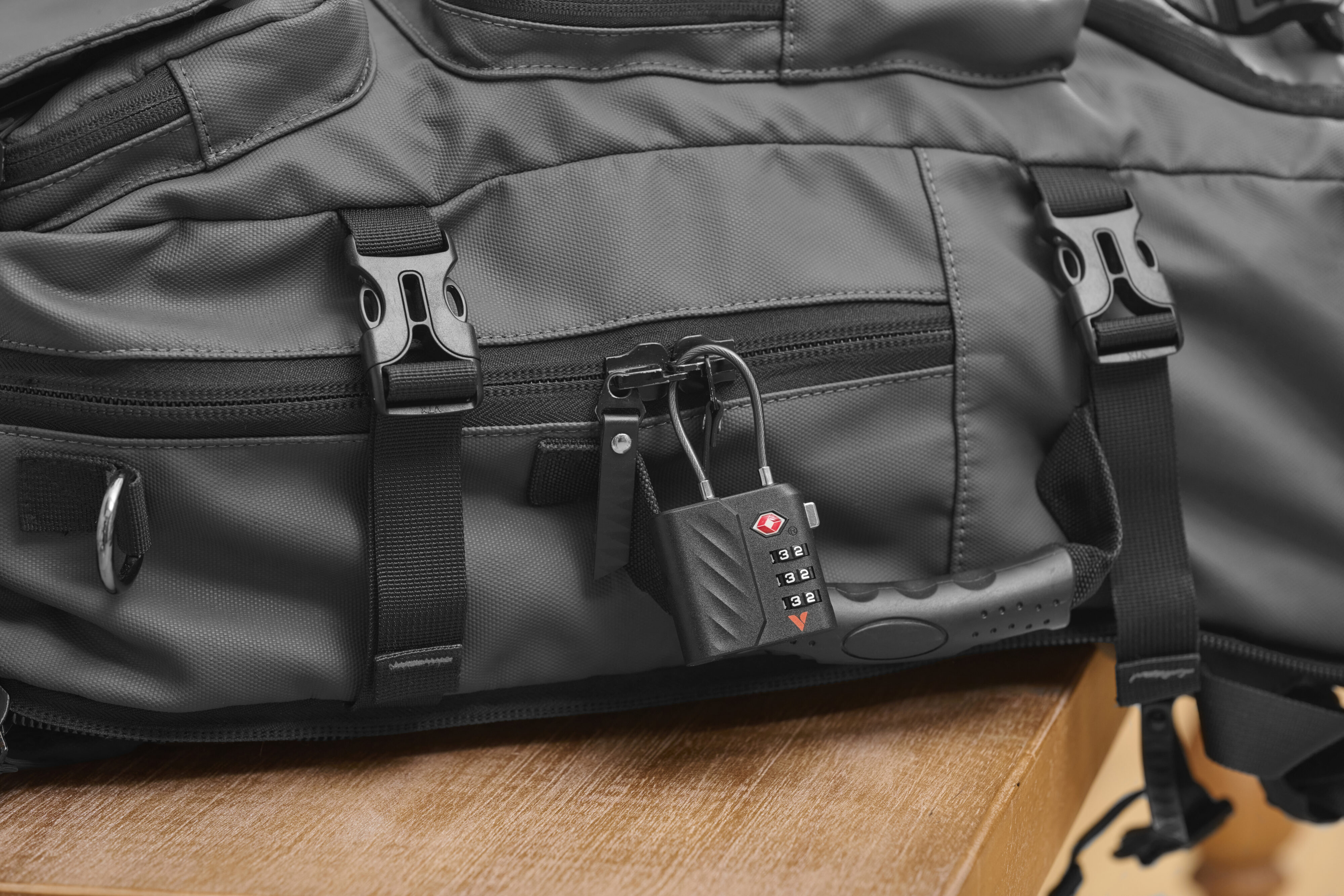
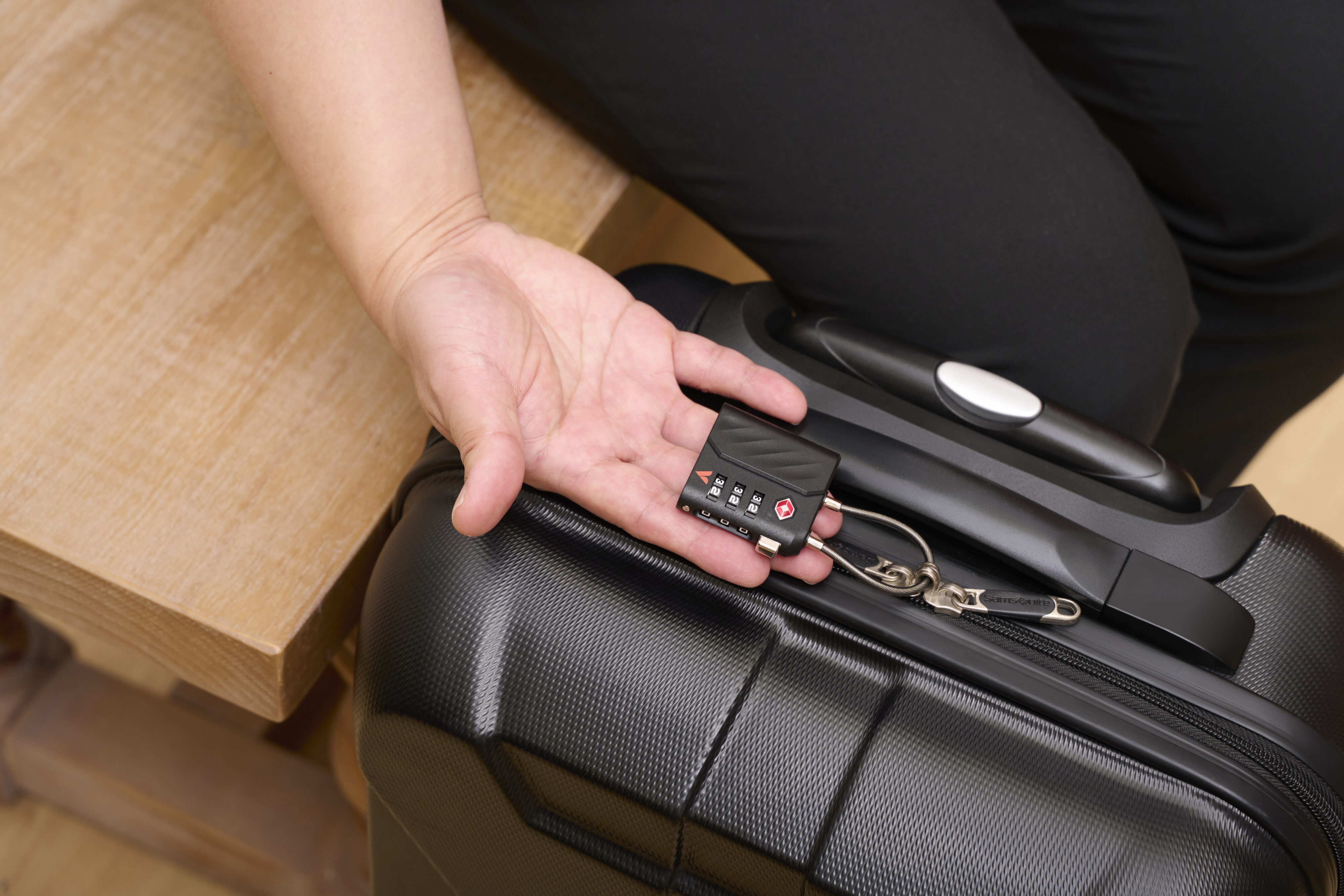
Equipped with a TSA-approved lock, My Finder Dual complies with international aviation security standards. This ensures your luggage remains secure while allowing smooth passage through customs inspections without damage. By combining smart tracking with trusted safety design, My Finder Dual becomes the ultimate travel companion.
- Works with Apple Find My and Android Find Hub
- USB-C charging – Say goodbye to traditional batteries
- TSA-Approved lock – Meets international aviation security standards
- Sound alert function – Helps locate items at close range
- Encrypted data transmission – No storage function, enhanced privacy protection
- Smart security integration – Elevates luggage safety and travel experience
- Bluetooth 5.3
- Li-Polymer Battery: 80mAh, 3.7 V; 0.296Wh
- Works with Apple Find My and Google Find Hub
- Built-in buzzer: about 60 dB at 25 cm
- Charging time: Approx. 2 hours
- Input: 5 V⎓55 mA
- Storage temperature: -20°C to +60°C
- Operating temperature: -10°C to +40°C
- Material: ABS
- Dimensions (L x W x H): 47.4 mm × 14.5 mm × 86 mm
- Weight: 42 g
Bluetooth tracker
Using with Apple Find My App
- Open the「Find My」 app on your iPhone or iPad.
- Tap「Devices」, then tap the “+” icon and select 「Add Other Item」.
- Choose “TSA Lock with My Finder” and tap 「Connect」.
- Enter a name for your device, then tap「Continue」.
- Select an emoji and tap 「Continue」.
- When prompted to confirm adding “TSA Lock with My Finder”, tap「Agree」.
- Tap 「Finish」 to complete setup.
Once connected, you can:
- Track the item’s location
- View directions to find the item
- Play a sound to locate it nearby
- Share item information with others
- Mark the item as lost
For detailed instructions, please refer to Apple’s official support website. Functions may vary depending on your iOS version.
Using with Google’s Find Hub
- Open the 「Find Hub」 app on your Android™ device.
- When the pop-up window for “TSA Lock with My Finder” appears, select 「Connect」.
- Tap 「Accept and Continue」 to confirm.
Once connected, you can:
- Track the item’s location
- View directions to find the item
- Play a sound to locate it nearby
- Share the item information
- Mark the item as lost
For more information, please visit: www.android.com/learn-find-hub
Turn On Device
- Press the button once.
- Sound: 2 quick beeps.
Paired to equipment/Remove Device from App
- Sound: 1 beeps.
Reset Device
- Press button 1 time, within 0.5 seconds, press button for 5 seconds.
- Sound: 1 beep and then 2 quick beeps.
Turn Off Device
- Press button for 3 seconds.
- Sound: 3 beeps.
Charging
- LED: Red light stays on. Turns green after charging is complete.
Important
———————————-
After turning on the My Finder Dual, it will remain available for connection for 10 minutes.
If pairing is not completed within this time, the device will enter standby mode and emit 3 beep sound items. Press the button once to wake it up again.
Changing Devices
- Remove My Finder Dual from the currently connected device.
- Reset My Finder Dual.
- Pair it with the new device.
Charging TSA Lock with My Finder
- Open the charging port cover.
- Plug in the USB-C cable to the charging port.
- Plug the other USB-C connector of the charging cable to a suitable charger.
- The LED will turn on in red color. The LED will turn to green color after charging is complete.
Lock Operation Instructions
Before you start
・ The lock’s factory preset is 000.
To set (change) the combination
- Use a pen or pin to press the password setting button until there is a click sound.
- Rotate each of the three dials to your desired numbers.
- Press the unlock button, the password setting button returns to original position.
- Your new combination is now set.
To lock your luggage
- Set the three dials to your combination.
- Press the unlock button – the locking cable will release.
- Thread the locking cable through both zipper pulls (or through any compatible locking point).
- Insert the locking cable head into the lock until it clicks and is secure.
- Spin the three dials to mix the numbers and scramble the code.
To open the lock
- Rotate the dials to your set combination.
- Press the unlock button to release the cable.
Related products
-

Bluetooth 5.3 ENC In-Ear TWS Earbuds
Learn more -

Tough Max Type C to Lightning Cable
Learn more -

Stylus for iPad
Learn more -

Tough Max Lightning to USB-A Cable
Learn more -

Multimedia Headset with Noise Cancelling Boom Mic – 3.5mm jack
Learn more -

Tough Max 240W USB4 Type C to Type C Cable
Learn more -

2-in-1 MicroUSB & Lightning Sync & Charge Cable (120cm)
Learn more -

Sync & Charge Cable 18W USB-A to USB-C (SCC2-AC)
Learn more


