
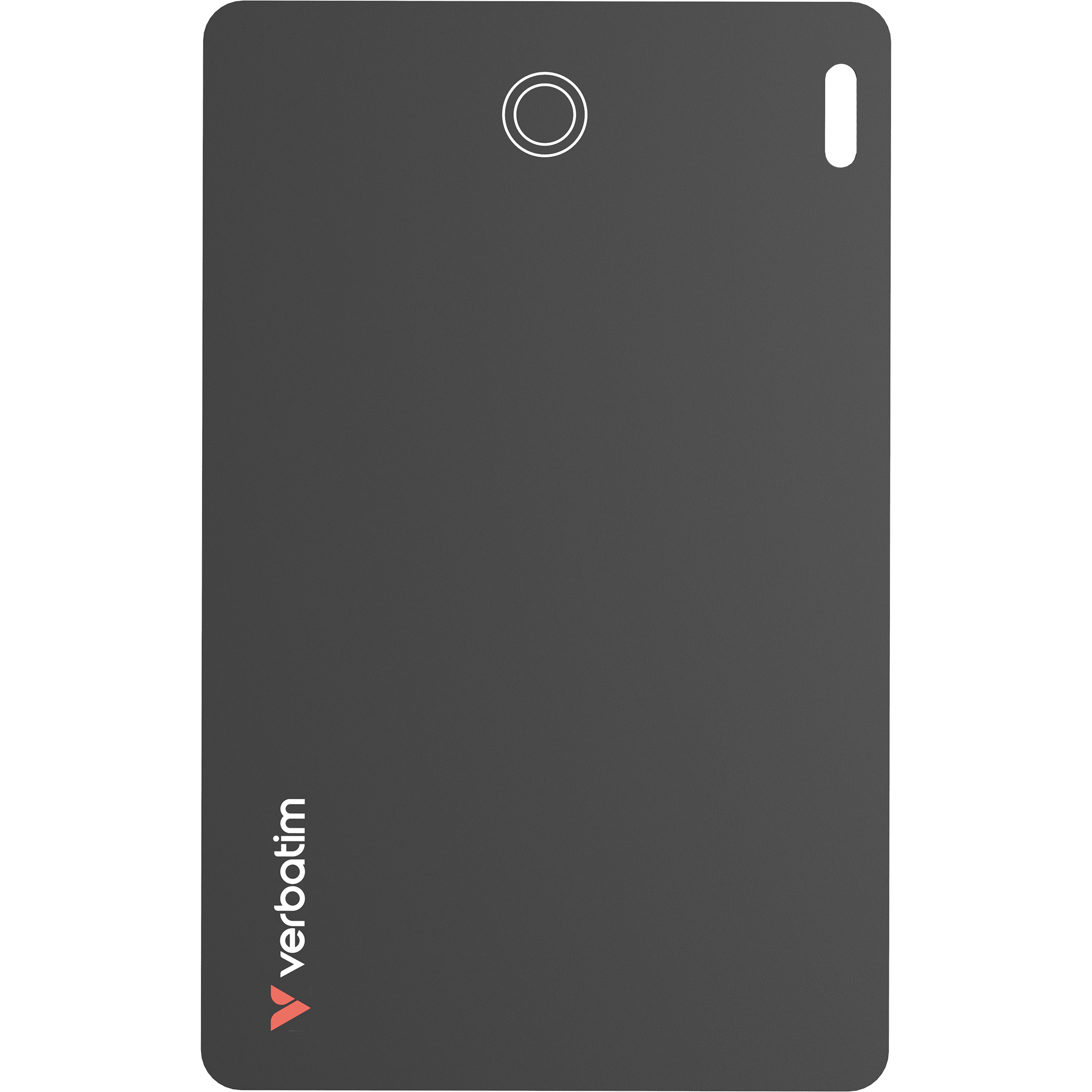
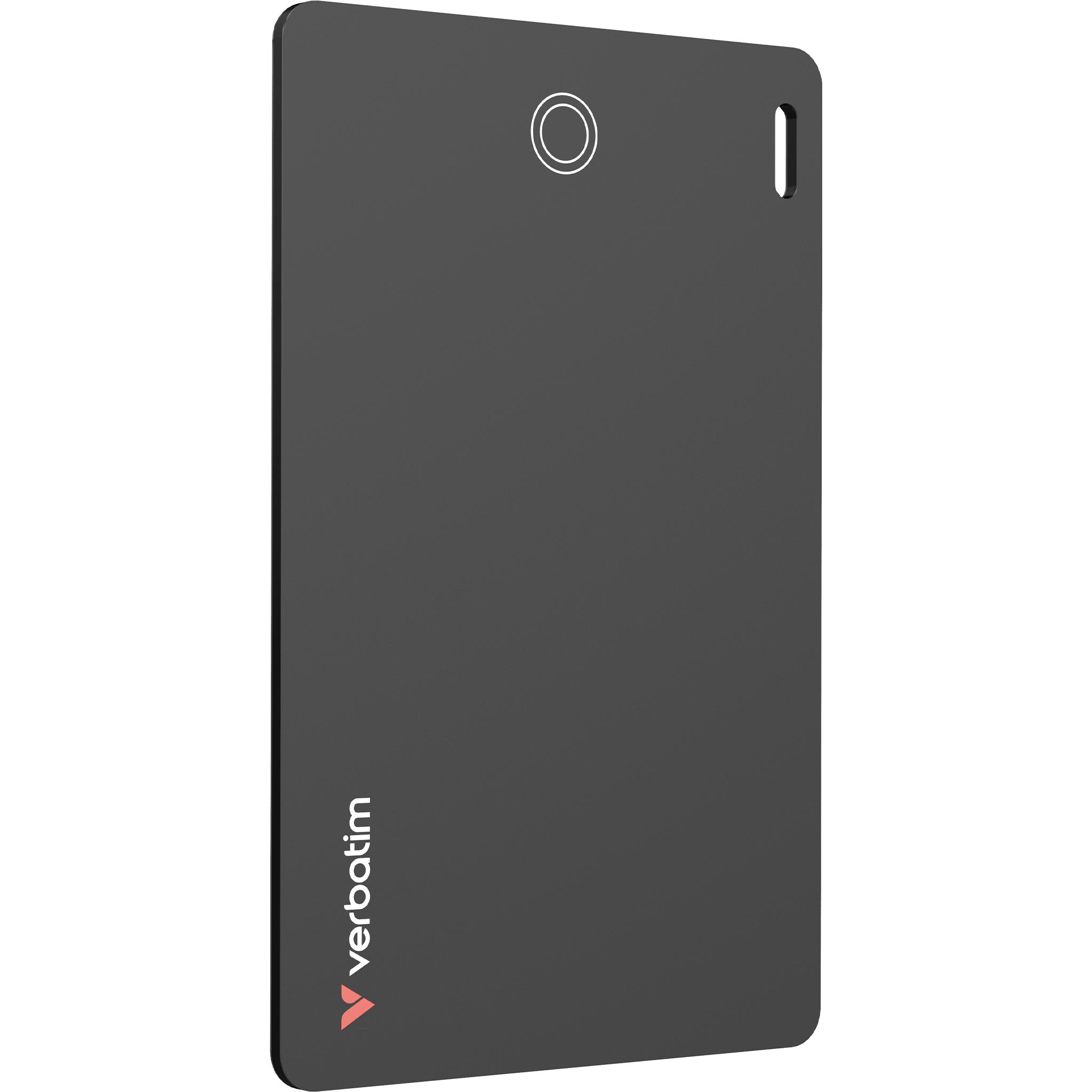
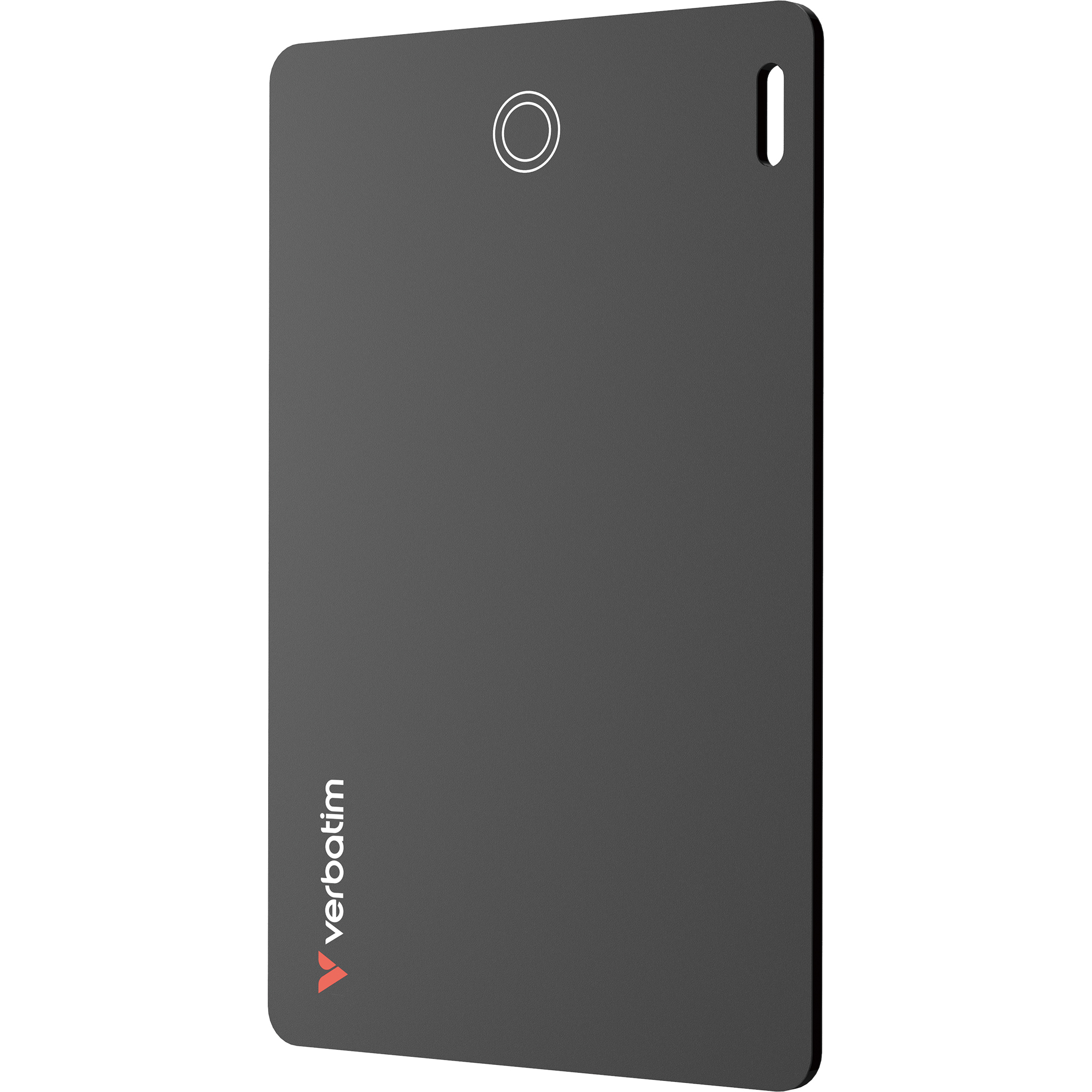
My Finder Card Dual (Black)
Product Details
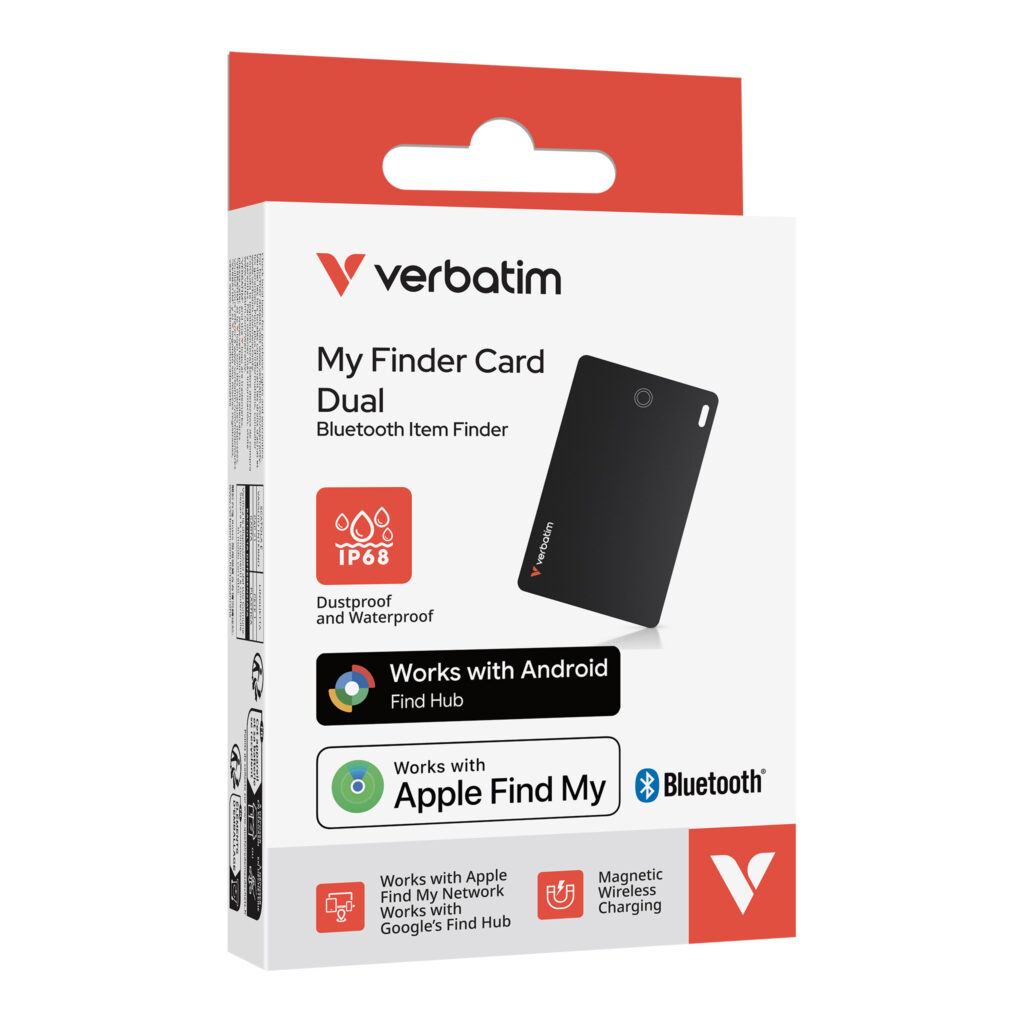
- Works with Apple Find My & Google Find Hub*
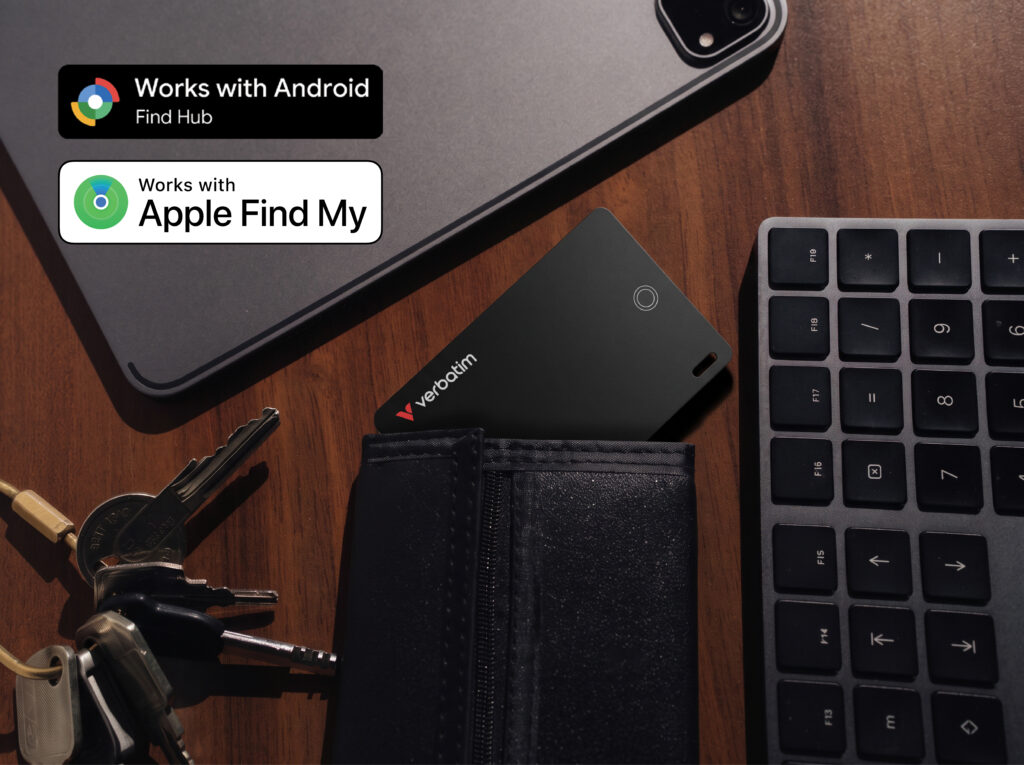
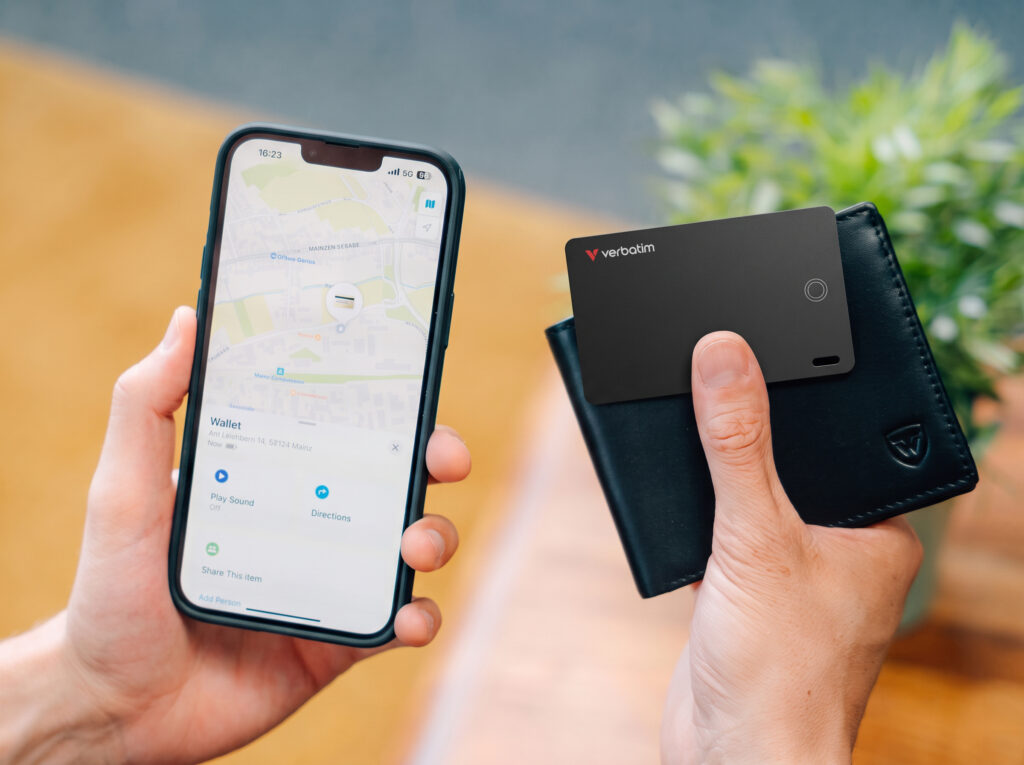
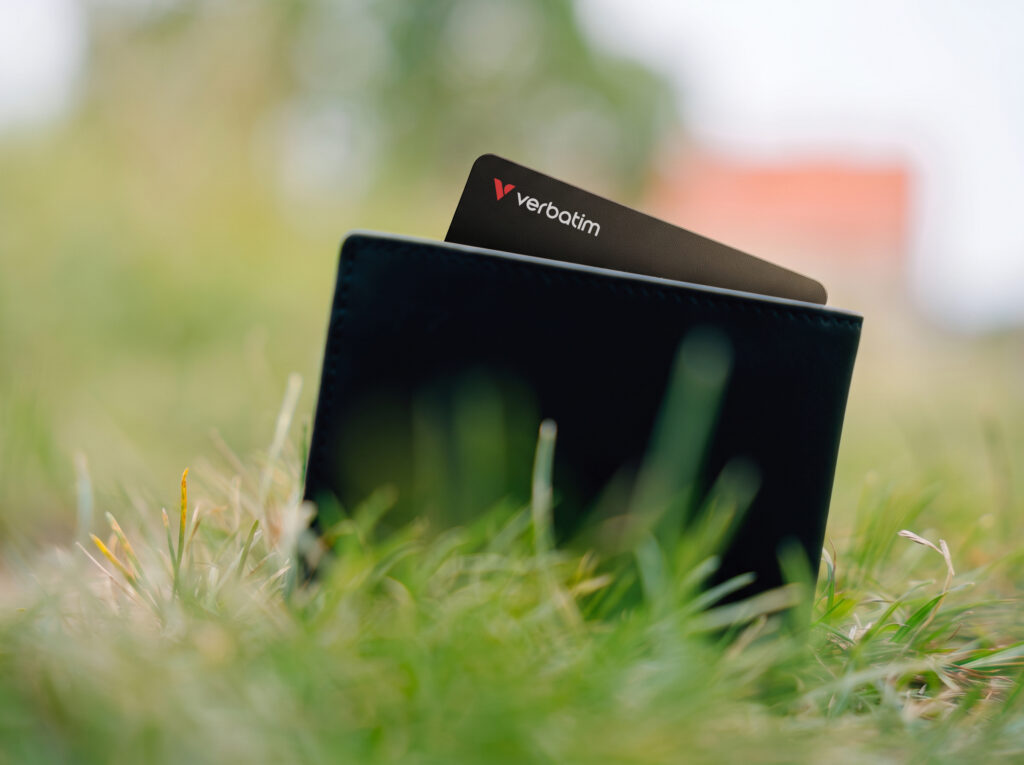
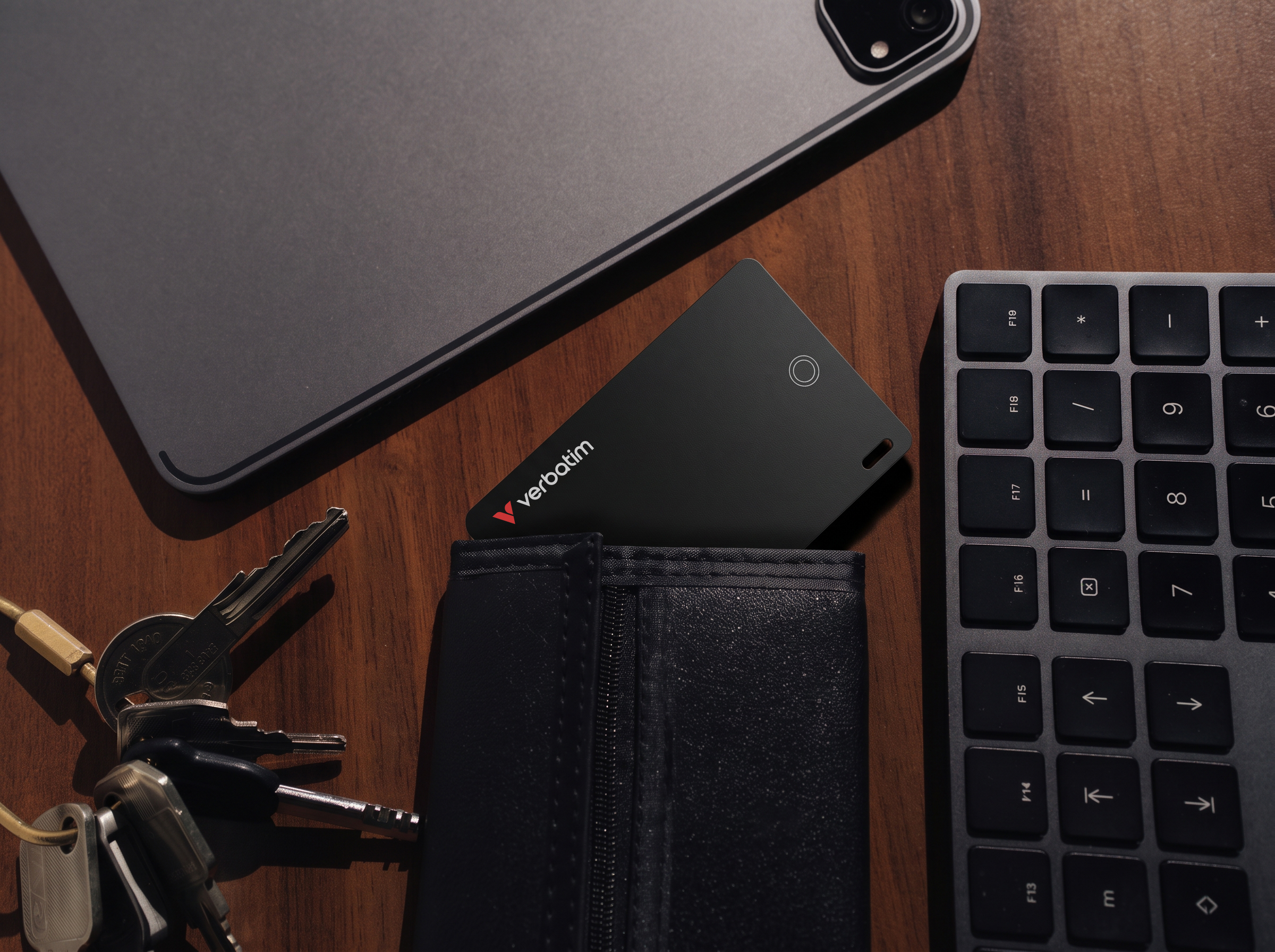
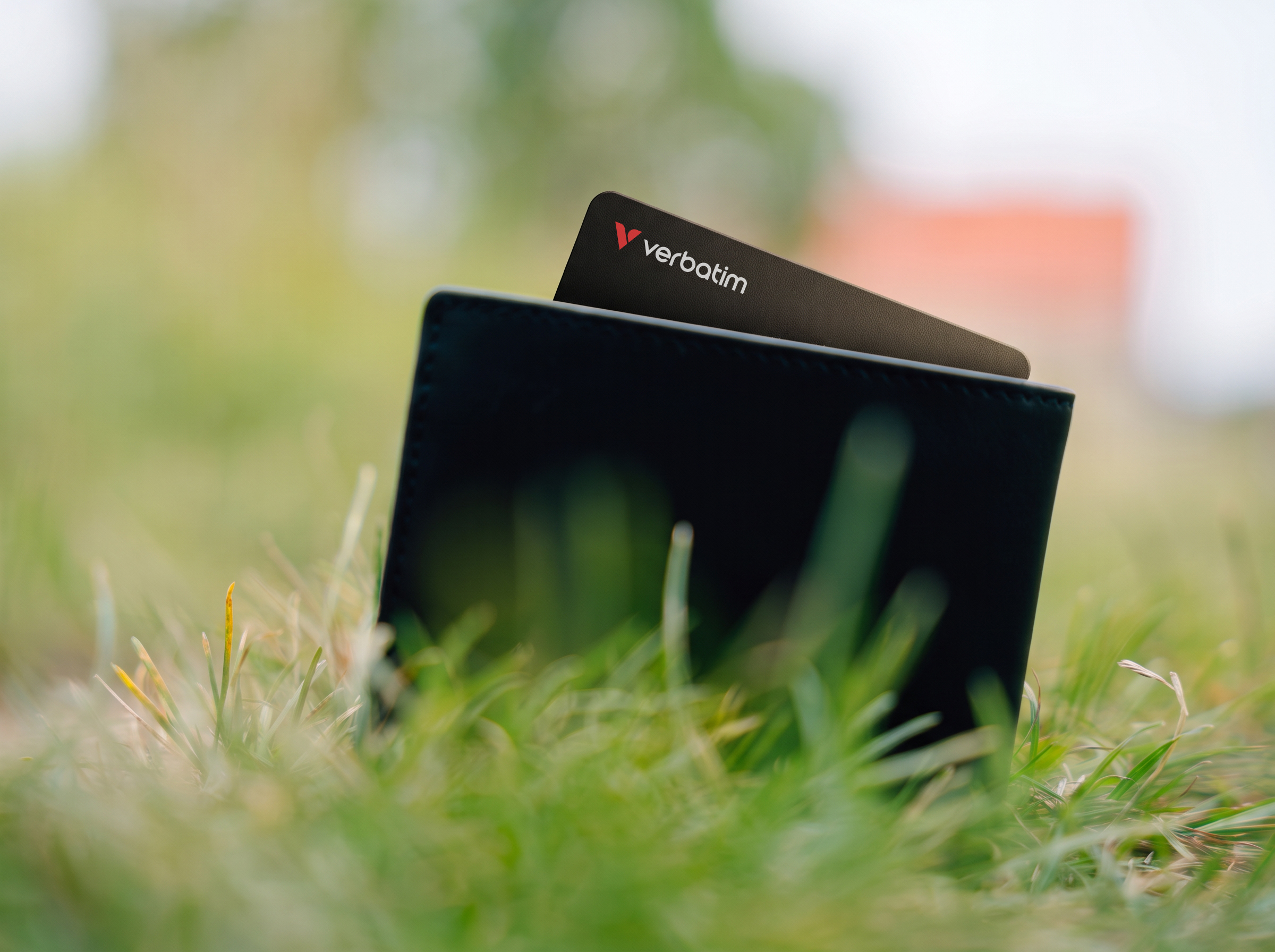
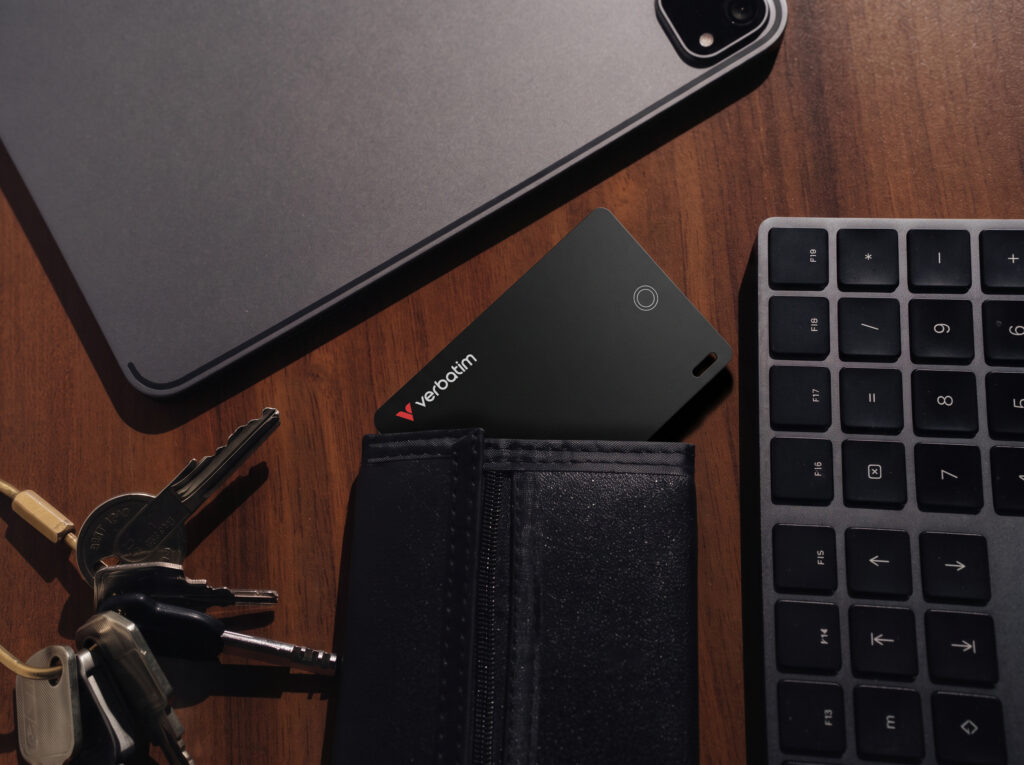
- Place in your wallet or bag to track its location
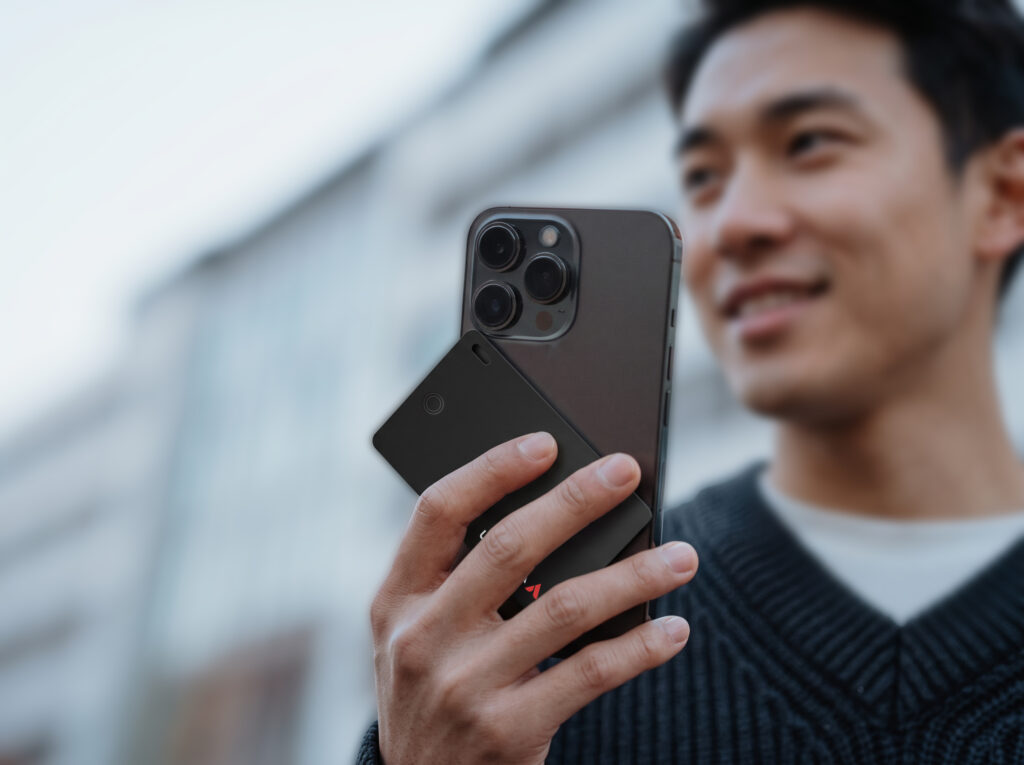
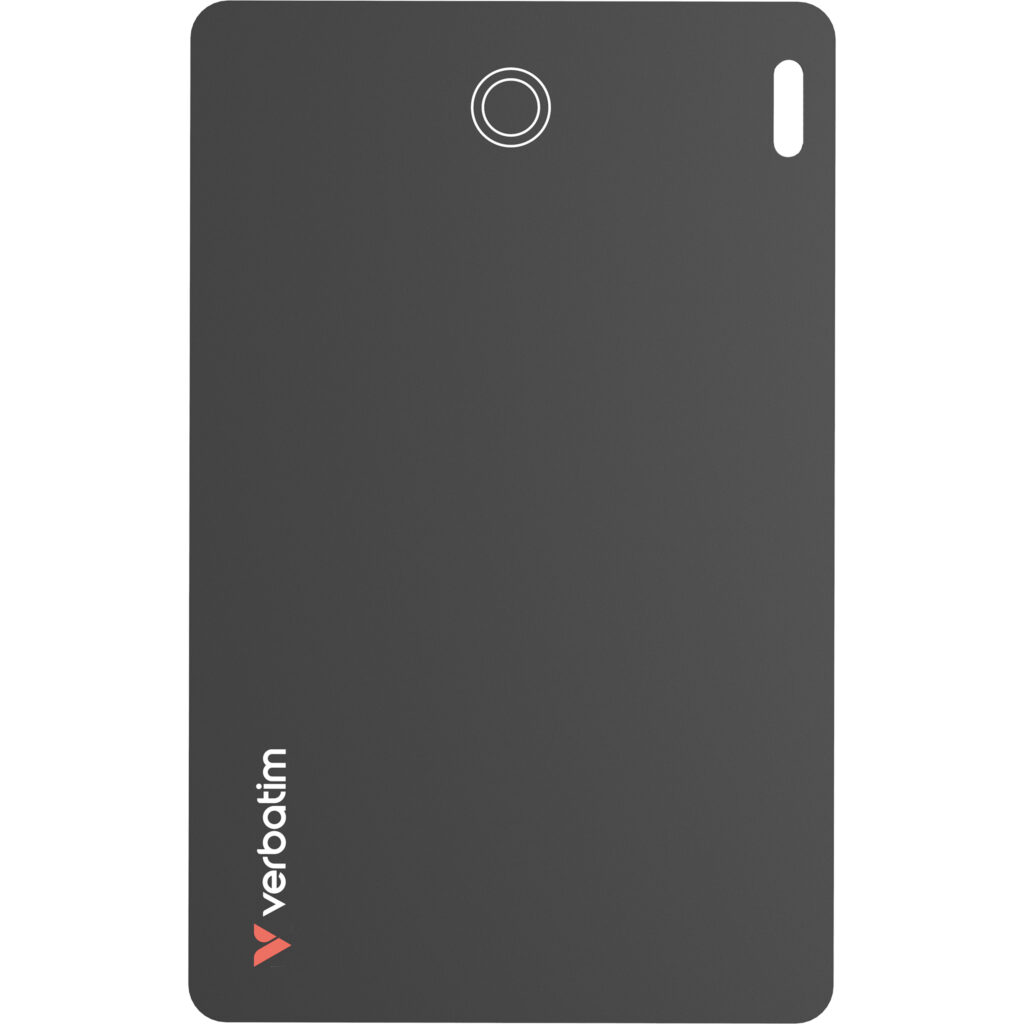
- Ultra-Thin wallet tracker, credit card sized design
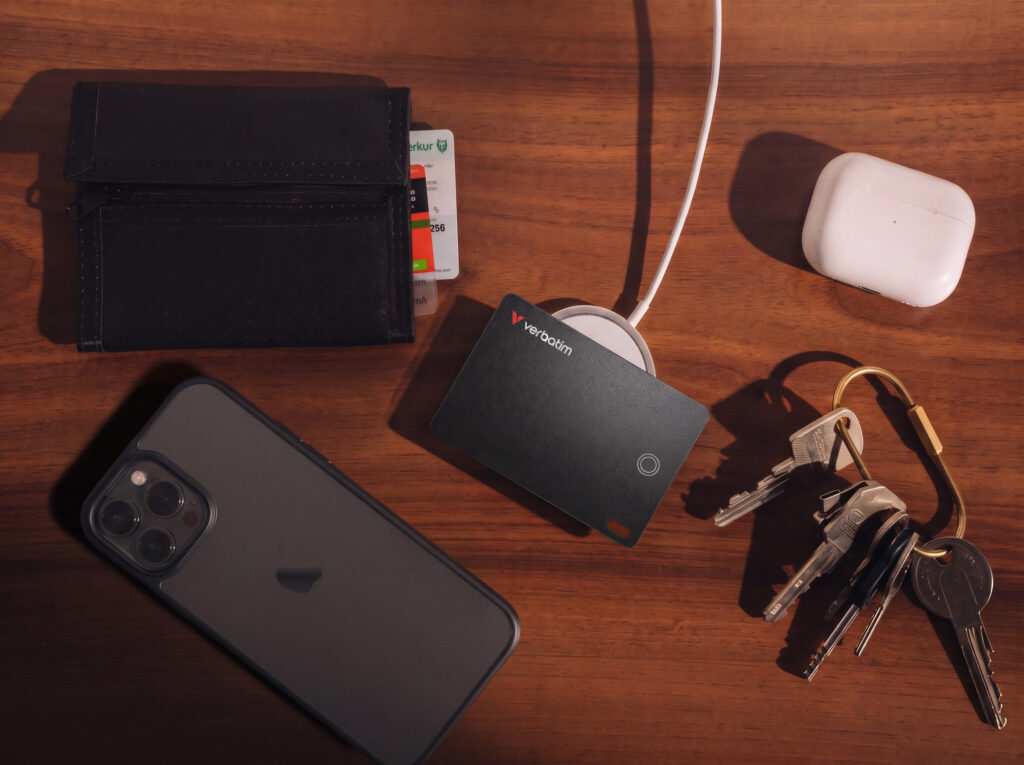
- Wireless rechargeable battery lasts 6 months on a single charge
- Audible alert assists in locating items nearby
- NFC contact sharing if your item is found
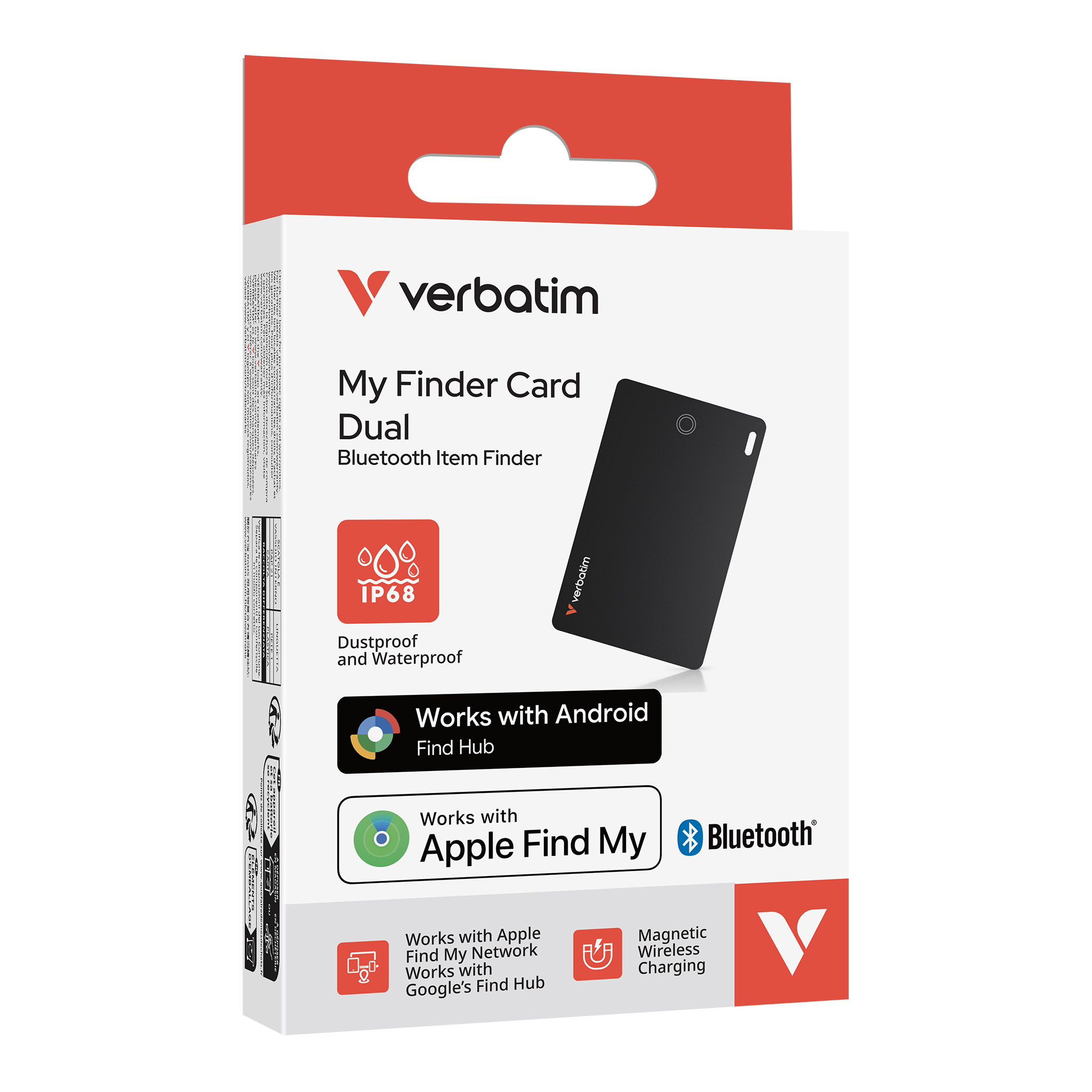
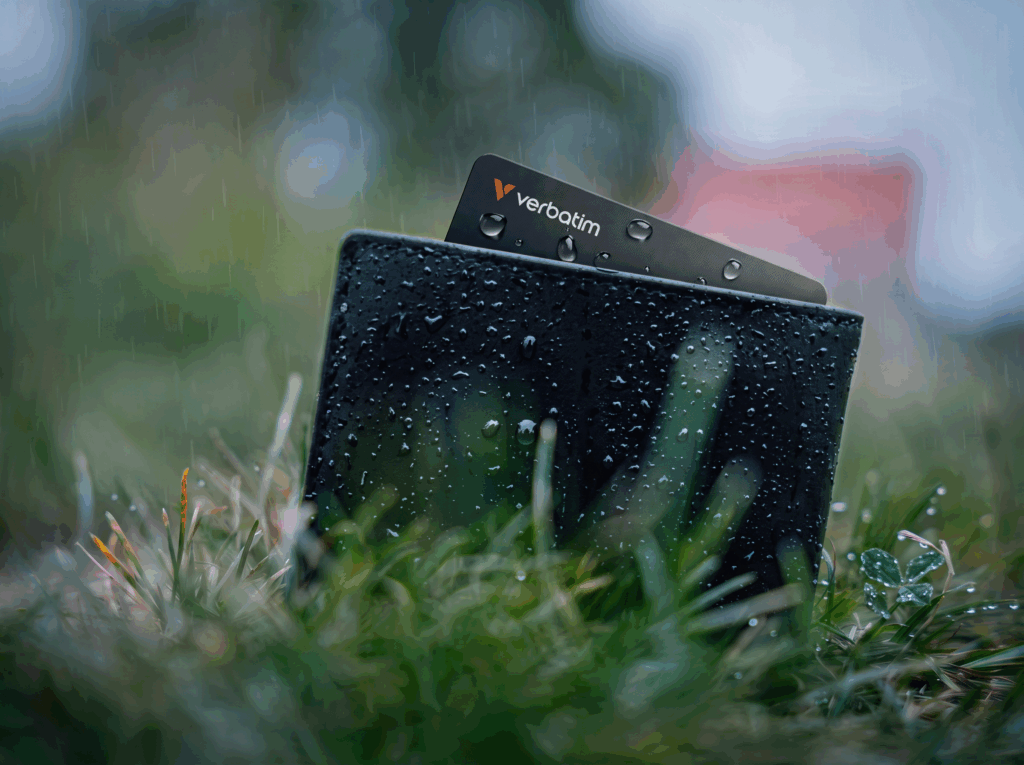
- IP68 extreme water & dust-tight resistant for everyday durability
- Encrypted data and no personal data stored on the device
- Built-in keychain hole for easy attachment
* Note: My Finder Dual can only be connected to one platform/account at a time. It cannot be paired with both Apple Find My and Google Find Hub simultaneously.
The smarter way to keep track of what matters
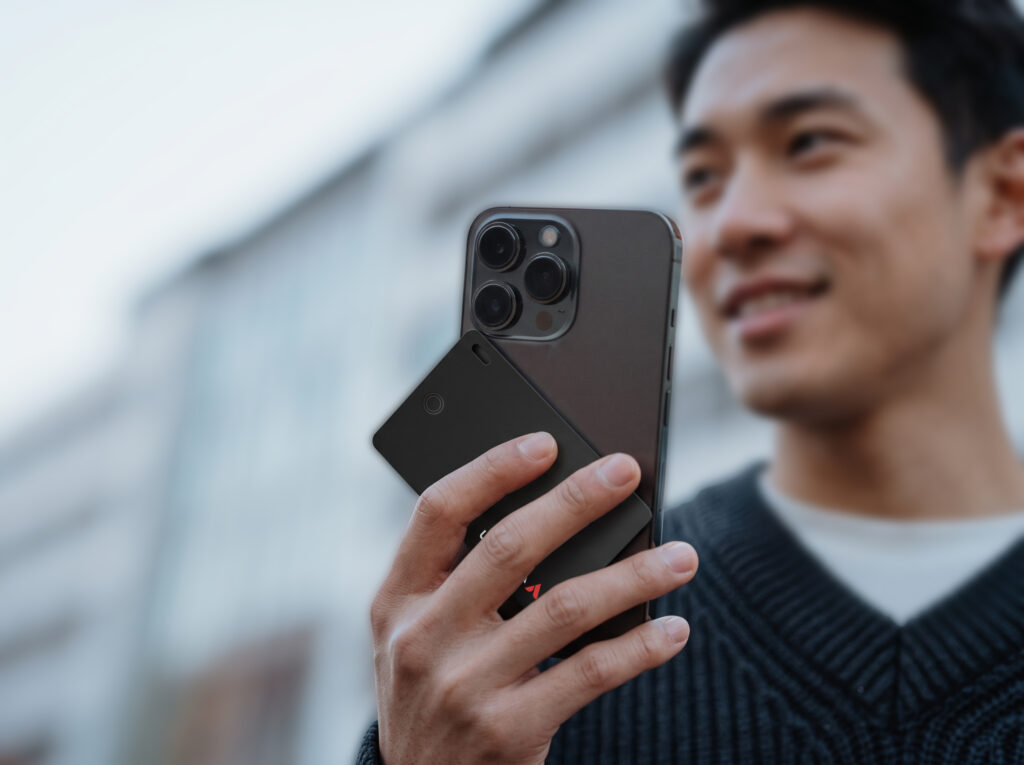
My Finder Card Dual – The ultra-thin wallet tracker that helps you protect your essentials without adding bulk or another complicated app. Never lose your essentials again. My Finder Card is your ultimate companion for effortless tracking, combining sleek design with powerful technology to quickly locate or recover an important item.
Works with Apple Find My and Google Find Hub
Unlike standard Bluetooth trackers, My Finder Card Dual Wireless supports both Apple and Android devices — without locking you into one ecosystem. The tracker pairs with one phone at a time and uses Apple Find My or Google Find Hub based on the connected device, making it a flexible choice for mixed-device households, workplaces and schools. Slip it into your wallet or place it into your laptop bag or backpack so you don’t walk out the door without them.
Rechargeable power with everyday durability
My Finder Card Dual is built for real life. With up to 6 months of battery life on a single charge, eliminates the hassle of disposable batteries. No battery replacements. Simply place it on any Qi-compatible wireless charger when it’s time to recharge (wireless charger not included). An IP68-certified for extreme water resistance and dust-tight durability ensuring your card survives accidental spills, and puddles.
Smart features designed for convenience and privacy
A built-in buzzer helps you quickly locate items nearby, while NFC contact sharing allows someone to return your lost item with ease. With no personal data stored on the device, your privacy stays protected, giving you confidence every time you use it. Just smart tracking that helps you stay organised, connected and in control, wherever your day takes you.
- Works with Apple Find My & Google Find Hub*
- Place in your wallet or bag to track its location
- Ultra-Thin wallet tracker, credit card sized design
- Wireless rechargeable battery lasts 6 months on a single charge
- Audible alert assists in locating items nearby
- NFC contact sharing if your item is found
- IP68 extreme water & dust-tight resistant for everyday durability
- Encrypted data and no personal data stored on the device
- Built-in keychain hole for easy attachment
* Note: My Finder Dual can only be connected to one platform/account at a time. It cannot be paired with both Apple Find My and Google Find Hub simultaneously.
- Bluetooth 5.3
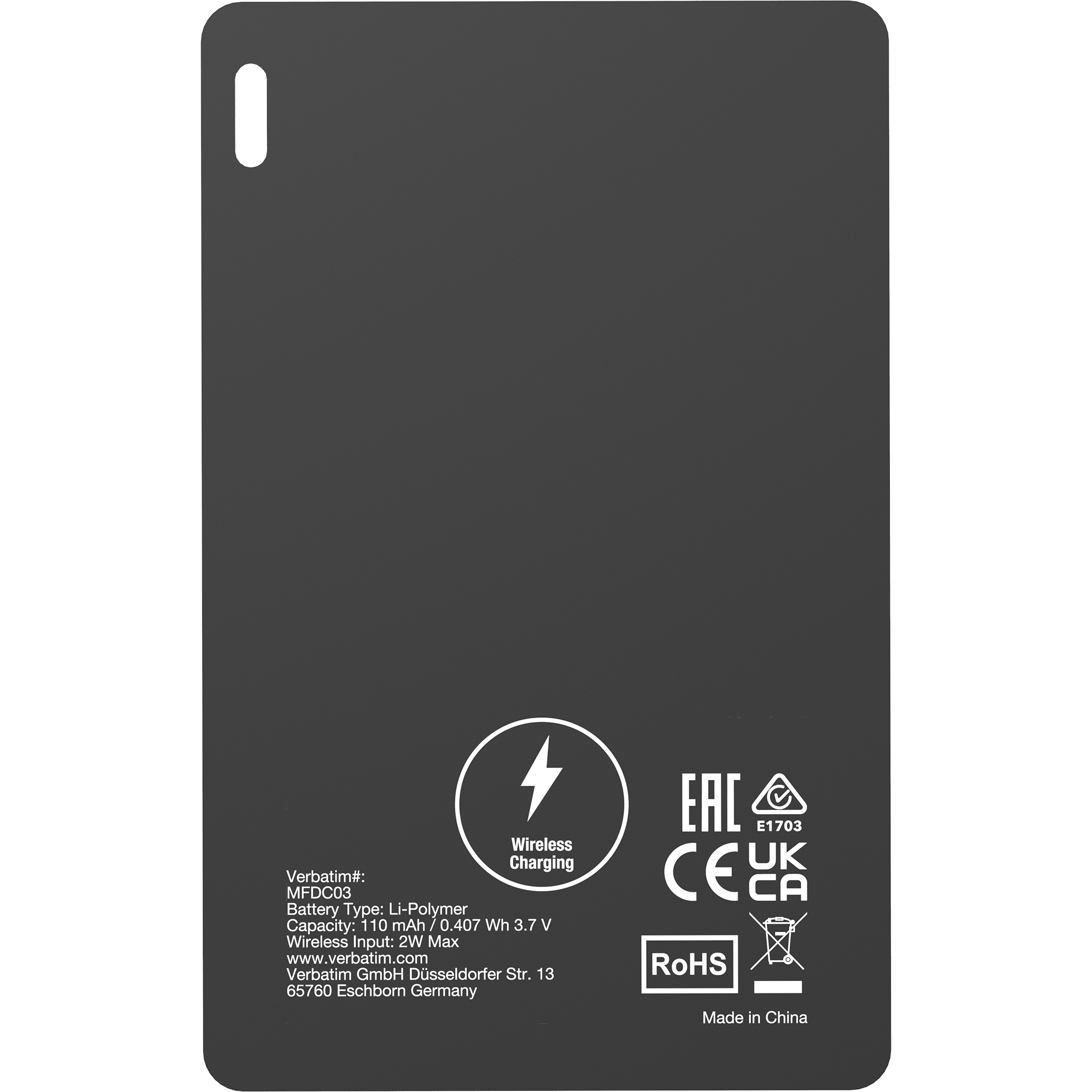
- Li-Polymer Battery: 110 mAh, 3.7V; 0.407Wh
- Works with Apple Find My and Google’s Find Hub
- Built-in buzzer (about 60 dB at 25 cm)
- Dustproof and waterproof: IP68
- Charging time: Approx. 1 hour
- Wireless Charging: Up to 2W
- Storage Temperature: –20°C – 85°C
- Operating Temperature: -10°C – 40°C
- Material:PVC
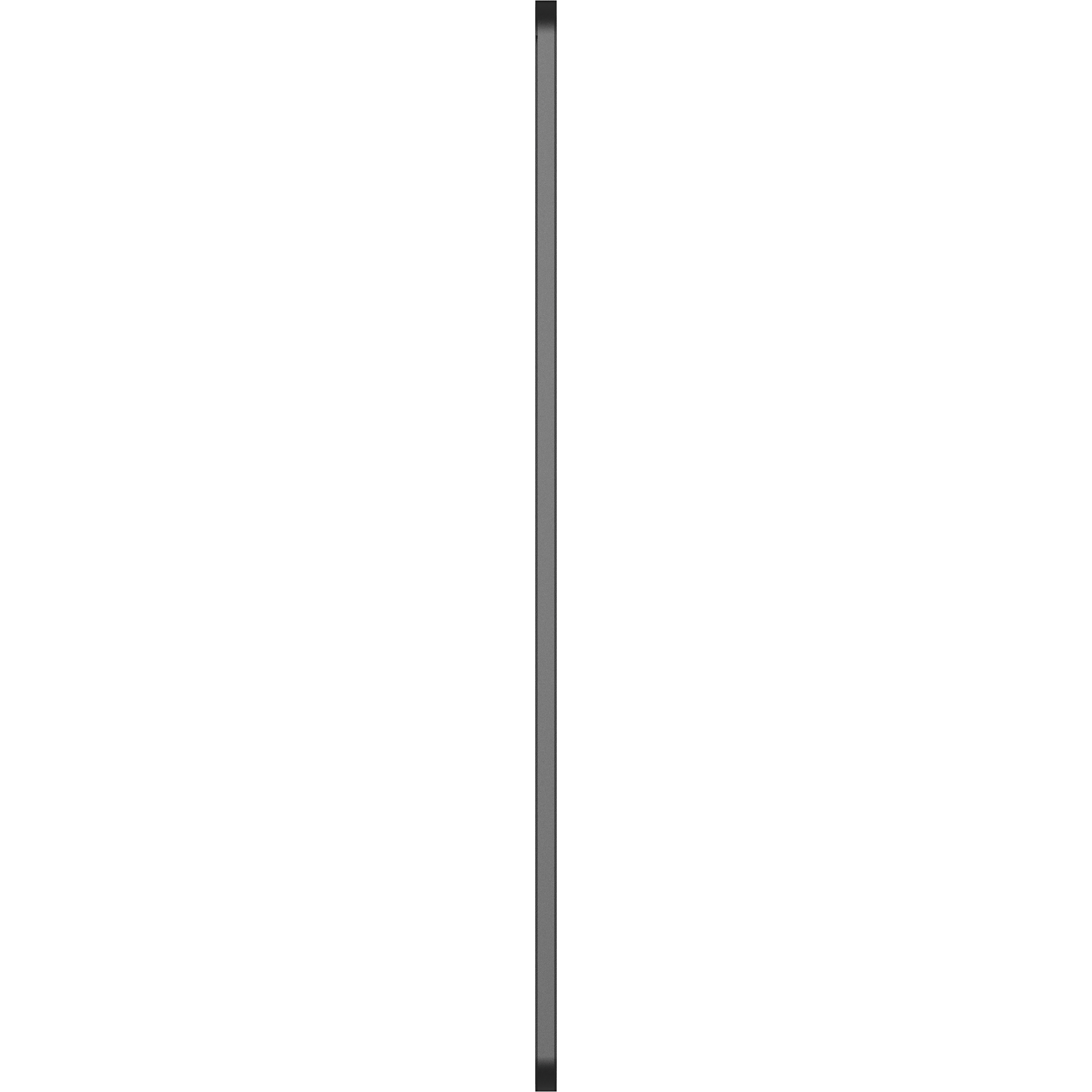
- Dimensions: 85.6mm x 54mm x 1.8mm
- Weight: 12g
- My Finder Card Dual
- Quick Start Guide
Bluetooth tracker
Using with Apple Find My App
- Open the Find My app on your iPhone or iPad.
- Tap Devices, then tap the “+” icon and select Add Other Item.
- Choose “My Finder Card Dual” and tap Connect.
- Enter a name for your device, then tap Continue.
- Select an emoji and tap Continue.
- When prompted to confirm adding “My Finder Card Dual”, tap Agree.
- Tap Finish to complete setup.
Once connected, you can:
- Track the item’s location
- View directions to find the item
- Play a sound to locate it nearby
- Share item information with others
- Mark the item as lost
For detailed instructions, please refer to Apple’s official support website.
Functions may vary depending on your iOS version.
Using with Find Hub
- Open the Find Hub app on your Android device.
- When the pop-up window for “Verbatim My Finder Card Dual” appears, select Connect.
- Tap Accept and Continue to confirm.
Once connected, you can:
- Find the item’s location
- View directions to find the item
- Play a sound to locate it nearby
- Share the item information
- Mark the item as lost
For more information, please visit: www.android.com/learn-find-hub
Changing Devices
- Remove My Finder Card Dual from the currently connected device.
- Reset My Finder Card Dual.
- Pair it with the new device.
Charging Verbatim My Finder Card Dual
- Place the “My Finder Card Dual” on Qi compatible wireless charger with the side indicating “Wireless Charging” on top of the wireless charger.
- Align the “Wireless Charging” position to the wireless charger’s charging position for charging. If you are using a magnetic wireless charger, “My Finder Card Dual” support the magnetic feature to align the charging position with the charger.
- Depends on the wireless charger, it may be required to press a button to initiate the wireless charging.
- The white LED will blink to indicate wireless charging is in progress.
Remark: Try to adjust the charging position slightly if wireless charging does not initiate until the white LED blinks.
My Finder Card Dual is designed to support both Apple Find My and Google’s Find Hub, allowing you to use it with either Apple or Android™ devices.
Please note that the device can only be connected to one platform at a time – it cannot be paired with both Apple Find My and Find Hub simultaneously.
Operation Instructions
Turn On Device
- Press the button one time.
- Sound: 2 quick beeps.
- LED: White light blinks 1 time.
Connect Device to App / Remove Device from App
- Sound: 1 quick beep.
- LED: White light blinks 1 time.
Reset Device while connecting to App
- Short press the button 1 time, then press and hold for 5 seconds.
- Sound: 1 quick beep after the 1 press, followed by long press with 1 long beep and 2 quick beeps.
- LED: White light blinks 1 time, then 2 times.
Check Device Status
- Press the button 1 time.
- Sound: 1 beep.
- LED: White light blinks 1 time.
Turn Off Device
- Press and hold the button 3 seconds.
- Sound: 3 beeps.
- LED: White light blinks 3 times.
Charging
- LED: White light blinks.
Full Charge
- LED: White light out.
Important
After turning on the My Finder Dual, it will remain available for connection for 10 minutes.
If pairing is not completed within this time, the device will enter standby mode. Press the button once to wake it up again.
Related products
-

Sync & Charge Cable 100W USB-C to USB-C (SCC2-CC100)
Learn more -

Sync & Charge Cable 18W USB-A to USB-C (SCC2-AC)
Learn more -

2-in-1 MicroUSB & Lightning Sync & Charge Cable (120cm)
Learn more -

Step-up Lightning to USB-A Cable
Learn more -

Tough Max Type C to Lightning Cable
Learn more -

Tough Max 240W Type C to Type C Cable
Learn more -

PD 100W Type C to Type C Cable (120cm)
Learn more -

Tough Max Type C to Type C Cable
Learn more


